



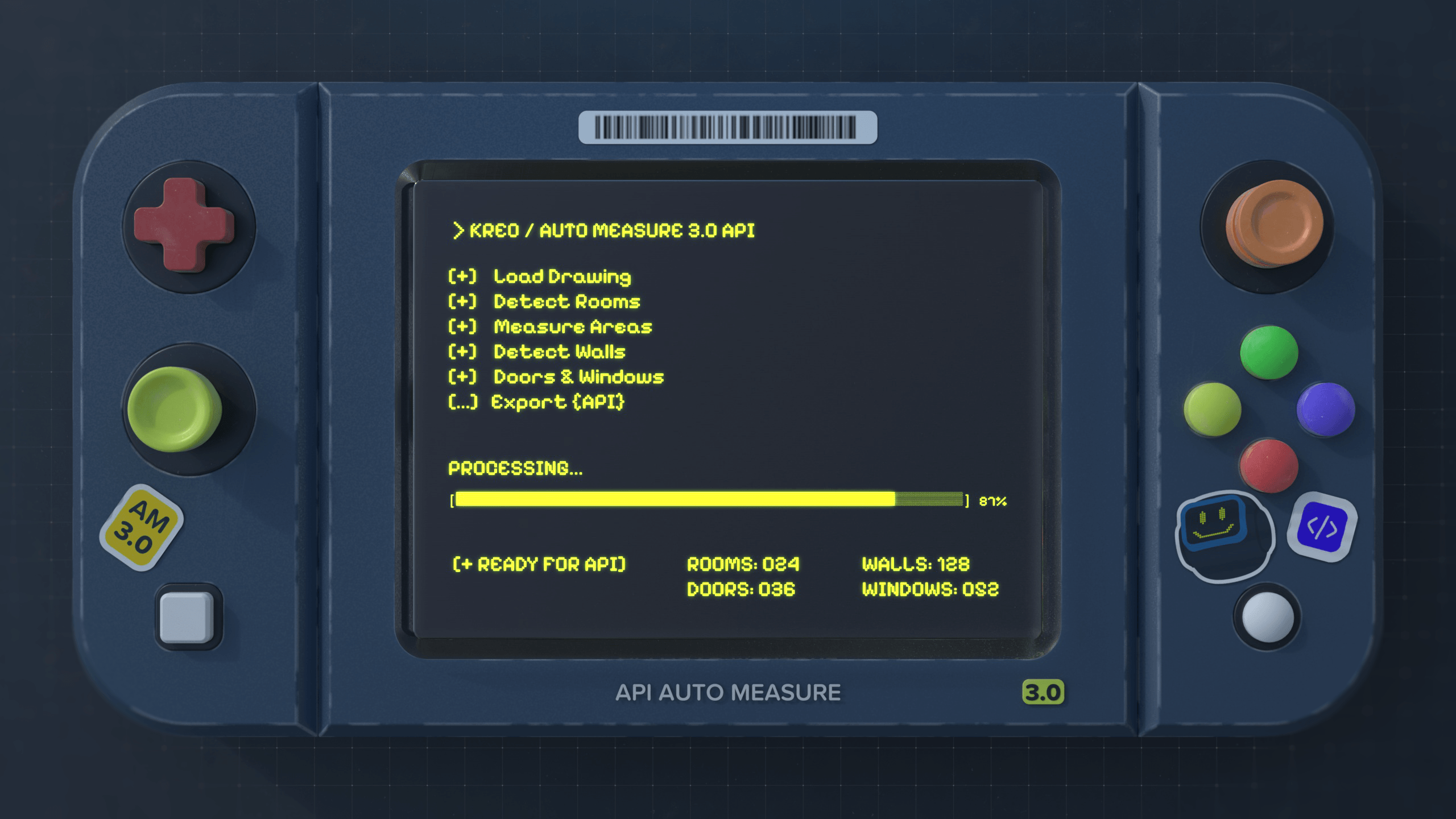
The Kreo AI Search API, our takeoff API for construction drawings, now runs on Auto Measure 3.0, the most accurate AI model for quantity takeoff we have shipped. It also reads the drawing for you: along with geometry, it returns room types, door and window types, labels and marks from your floor plans.
To use it, add "modelVersion": "3.0" and an extractors list to your Run AI Search request. There are no new endpoints and no breaking changes. Version 2.0 stays the default, so existing integrations keep working until you switch.
The API is a standard REST API with key authentication, so you can also connect it to Claude, ChatGPT or any other AI assistant and run automated takeoffs straight from a chat.
Who the takeoff API is for
Anyone who measures 2D construction drawings regularly and wants to automate quantity takeoff inside their own product or workflow.
Auto Measure 3.0 vs 2.0: benchmark results
On busy, noisy floor plans Auto Measure 3.0 lands within 94% of the real geometry, against 72% for Auto Measure 2.0: about 5x less error. It improves on every metric we track, and the biggest gains are where 2.0 struggled most: room outlines and long, narrow shapes such as corridors and wall runs.

In practice, that means fewer rooms to redraw, fewer false detections to delete and fewer missed spaces to add by hand. Same endpoints, same response format: switching to the new AI takeoff model takes one parameter.
Extractors: text extraction from construction drawings
Until now the API told you where a room, door or window is. Extractors also tell you what it is, by reading the text and symbols on the drawing. Pass extractors in Run AI Search, and every contour or line in Get AI Search Result comes back with an extracted object. Extractors work for space, door and window searches.
Classification values
Request
POST /projects/{PROJECT_ID}/search
{
"dpi": 300,
"type": "space",
"includeWalls": true,
"extractors": ["classification", "label"],
"modelVersion": "3.0"
}
Response (one contour)
{
"area": 15.6,
"perimeter": 20.3,
"confidence": 0.85,
"points": [[1715.523, 218.374], [1667.250, 525.628]],
"extracted": {
"classification": "Bedroom",
"label": "Master bedroom"
}
}
Examples: room, door and window schedules from one API call
After an automated takeoff, someone used to rename and group the measurements by hand. Now a ready schedule comes straight out of the API response.
1. Room schedule
type: space, extractors: [classification, label]
2. Door schedule by mark
type: door, extractors: [classification, mark]
3. Window schedule by type
type: window, extractors: [classification, mark]
Each row is built from API response fields (extracted, area, perimeter, length), grouped by type or mark. The same approach gives you GIA and NIA split by use, excluding balconies, terraces and parking.
Connect the takeoff API to ChatGPT, Claude and other AI assistants

The Kreo API is a standard REST API with an X-API-KEY header, so any AI assistant that can call tools can use it. Attach a drawing, describe the task in plain words, and the assistant runs upload → project → scale → search → result and returns the answer.
How to connect:
- ChatGPT: create a Custom GPT and add an Action. Import the Kreo AI Search API OpenAPI schema and set authentication to API Key in the
X-API-KEYheader. - Claude: add the API as a custom connector (MCP), a thin wrapper over the same endpoints. The same setup works in Cursor and other MCP clients.
- Your own agents and scripts: use function calling in the OpenAI or Anthropic API with the same set of calls.
Things you can ask:
- "Measure every room on page 2 and give me a table of areas by room type."
- "Count the doors on this plan by type and by mark."
- "What's the GIA of this floor, excluding balconies and terraces?"
- "Pull the window schedule from this PDF and export it as a spreadsheet."
Get started: open the Kreo AI Search API documentation, create an API key, and give your assistant the documentation link together with the key. Every endpoint, parameter and response example is there.
Ready-to-use prompt. Paste it into Claude Code, Cursor, Custom GPT instructions or a Claude Project and add your key. Then just attach a drawing and describe the task.
The assistant needs internet access to make HTTP requests. Claude Code and Cursor work out of the box. In ChatGPT, use an Action in a Custom GPT: the prompt goes into Instructions and the key into the Action's authentication settings, not into the text. Don't paste your key into chats you share with others.
How to upgrade to Auto Measure 3.0
- Add
"modelVersion": "3.0"to your Run AI Search body. Without it, requests still use 2.0. - Add
"extractors"with any ofclassification,label,mark(forspace,door,window). - Read the new
extractedobject on each contour or line in the result.
Other API changes
- Confidence score on every result. Each contour and line now returns
confidence(0.0 to 1.0). Theconfidencequery parameter on Get AI Search Result is kept only for backward compatibility; the request is now parameterless. - Delete Project.
DELETE /projects/{PROJECT_ID}removes a project when you no longer need it.
FAQ
What is the Kreo AI Search API?
A REST API that runs AI takeoff on construction drawings. Upload a PDF, DWG, DXF or image, and it returns rooms, walls, doors and windows with coordinates, areas, lengths and perimeters as JSON.
What file formats does it support?
PDF, DWG, DXF, DWF, DGN, PNG, TIFF, JPG, JPEG, BMP, EMF and GIF.
How is Auto Measure 3.0 different from 2.0?
On our benchmark, outline accuracy rises from 72% to 94% (about 5x less error), with gains on every metric. Version 3.0 also supports extractors for room, door and window types, labels and marks.
Can I use the API with ChatGPT or Claude?
Yes. Connect it as a Custom GPT Action in ChatGPT or as a custom connector in Claude, then run takeoffs from a chat. See the ready-to-use prompt above.
Will upgrading break my integration?
No. 2.0 remains the default, endpoints and response format are unchanged, and the new fields are additive.
Full reference: Kreo AI Search API docs. Questions: info@kreo.net or the in-app chat.