




Auto Measure 3.0 is out. Big claim in that headline, so here is the whole case for it, numbers included.
Auto Measure reads the sheet and hands back finished measurements: rooms with areas, walls with lengths and thicknesses, finish surfaces, doors and windows counted. From there the measurements flow into items and into cost.
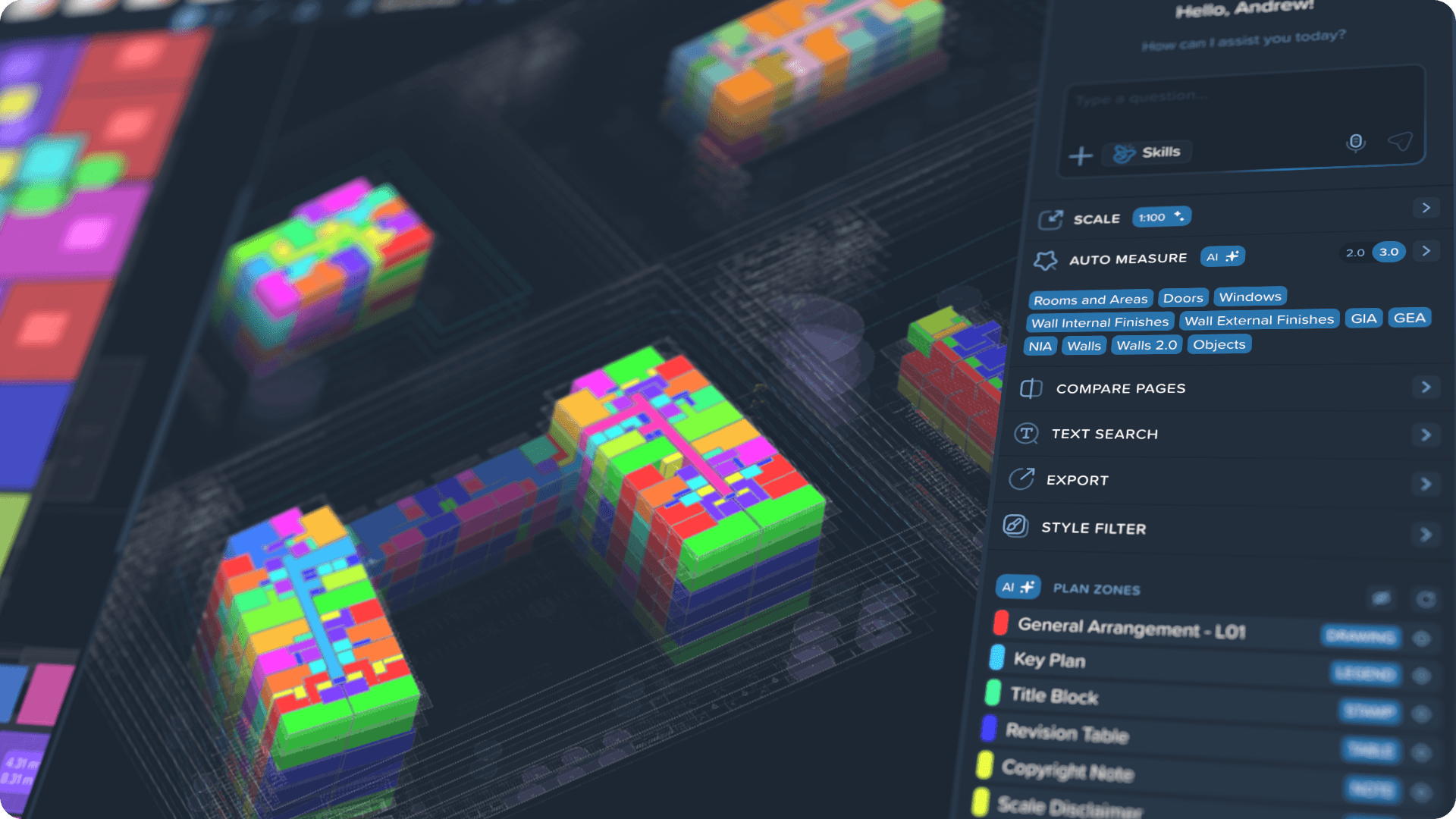
The difference from manual takeoff is simple. You check a result instead of tracing the drawing again. Those are two very different amounts of work.
Version 3.0 updates all of it at once: new models, a second review pass, and a measurement type that did not exist before.
What Auto Measure takes off the sheet
Every type runs on its own, so you pull exactly what the current estimate needs instead of everything at once.
Between them they cover most of what is measurable on an architectural sheet: areas for concept stage, walls and finishes for finishing packages, openings and objects for counted items.
New in 3.0: Objects
Counting objects used to stop at whatever was built into the product. You need smoke detectors, the list does not have them, so you count by hand and wait for us to add the type.
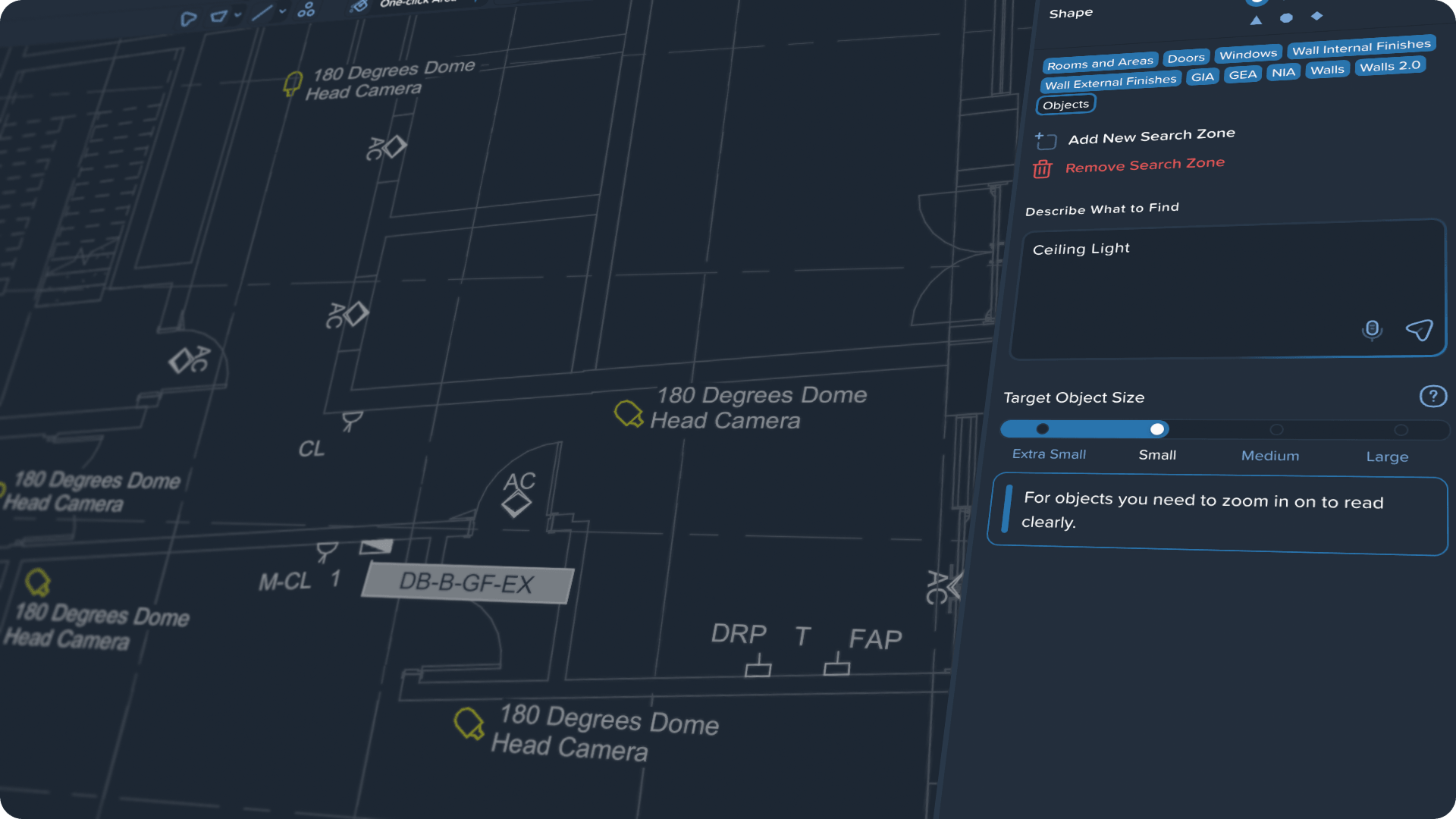
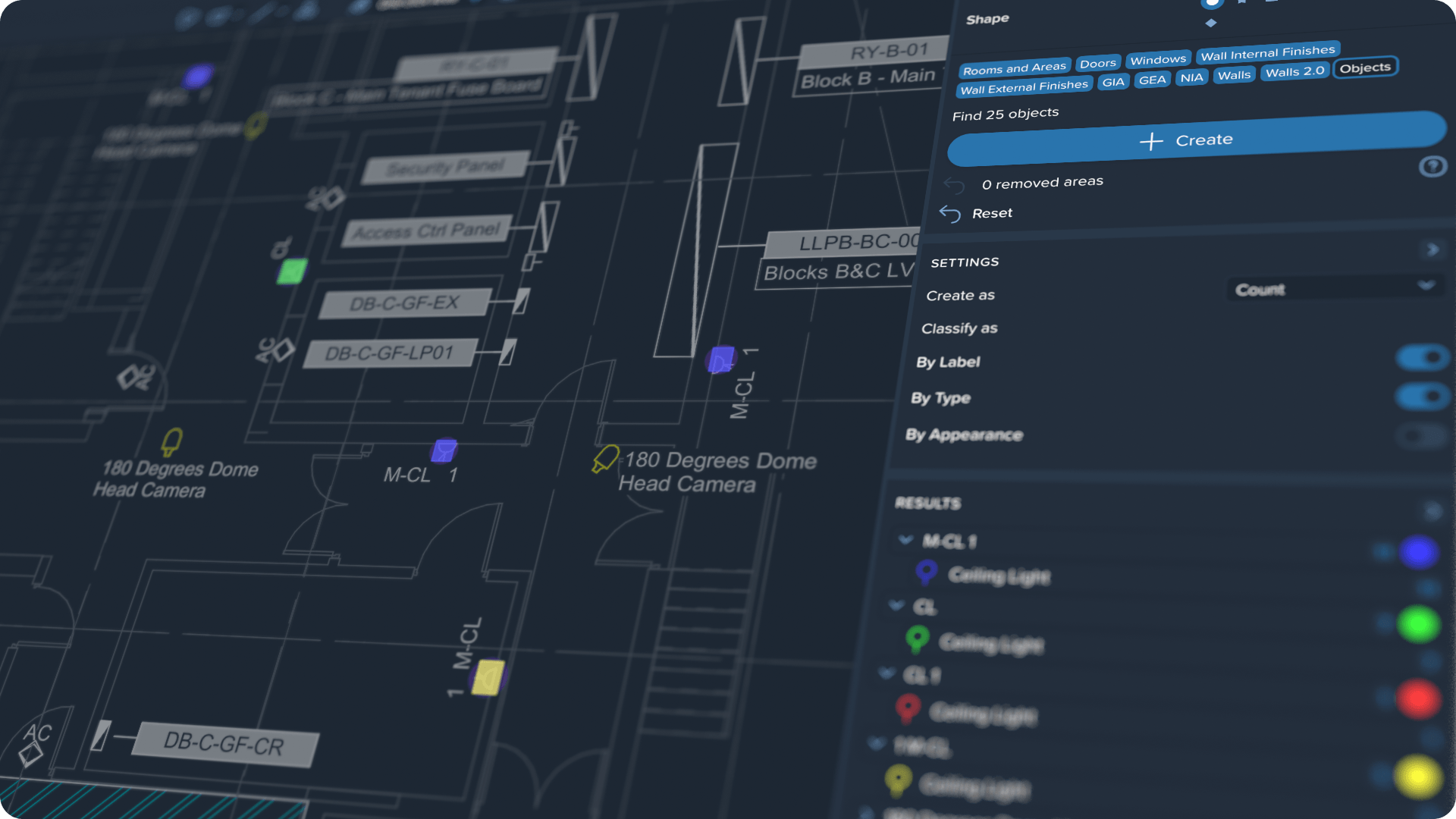
Now you type what to look for. Power sockets, sanitary fixtures, parking bays, a symbol the designer invented and repeated across the whole set. Kreo finds the matches on the sheet and returns a finished count.
Here it is in the product: Automatic Object Counting for Takeoff
Models that review their own work
A normal model returns its first result and stops there. In 3.0 there is a second pass: Auto Measure goes back for the shapes the first pass walked past and re-fits every outline to the lines of the drawing.
It costs more to compute and it is harder to train. It is also the step that removes most of what you used to finish by hand.
Here is what changed in the models compared to 2.0:
Put plainly: out of every hundred shapes you used to delete or redraw by hand, around forty never reach your screen at all. On a dense sheet that is the difference between checking and redoing.
Why these numbers are worth trusting
We do not benchmark ourselves on demo drawings. The set is built from complex, noisy plans: dense markup, overlaid annotations, corridors, small and narrow spaces, exactly the sheets where the manual work piles up.
Every number above is a comparison against a labelled ground truth, not the model grading itself. If the methodology matters to you, we will walk you through all of it, including what we are still worst at.
How to get access
Auto Measure 3.0 is switched on by request. Write to us and we will enable 3.0 on your account.
After that you open your drawing, flip the 2.0 / 3.0 toggle in the Auto Measure panel and run the type you need. For objects, just type what to find.
.png)

.png)


