Cloud-based AI that understands your drawings — detects elements, cross-references data across sheets, generates flexible reports, and turns measurements into cost estimates automatically.
Get Started


Cast Consultancy

John Lewis


Acuitybrands

Artelia Group

CEF

Willmott Dixon

IMEG

Harvey | Harvey-Cleary

PC Construction


Viva Energy


BTP Consultants

Thorlux Lighting

MSCEB

Lowfield Timber Frames


IBO - Integer Bouwen

OP

EDGE PS

Bailey Partnership


Naresta

Kendall Kingscott

Velaspan

ShapeHouse

Nu-Heat

Starfish Construction

Turf Equipment

Baques

Towelrads

Galliard Homes

K2 Consultancy

A second review pass now runs inside the model. It checks its own output, re-fits every outline against the drawing, and only then hands you the result. On busy, noisy plans it lands within 94% of the real geometry.

Outline accuracy
how closely each outline follows the drawing
72%
94%
Area captured
of what is actually there on the sheet
92.6%
99.3%
Results you can keep
share of everything returned that is real
81%
90%
Coverage
share of everything on the sheet it finds
81%
87%
Long, narrow shapes
corridors, strips and thin spans, scored 0 to 1
0.42
0.67

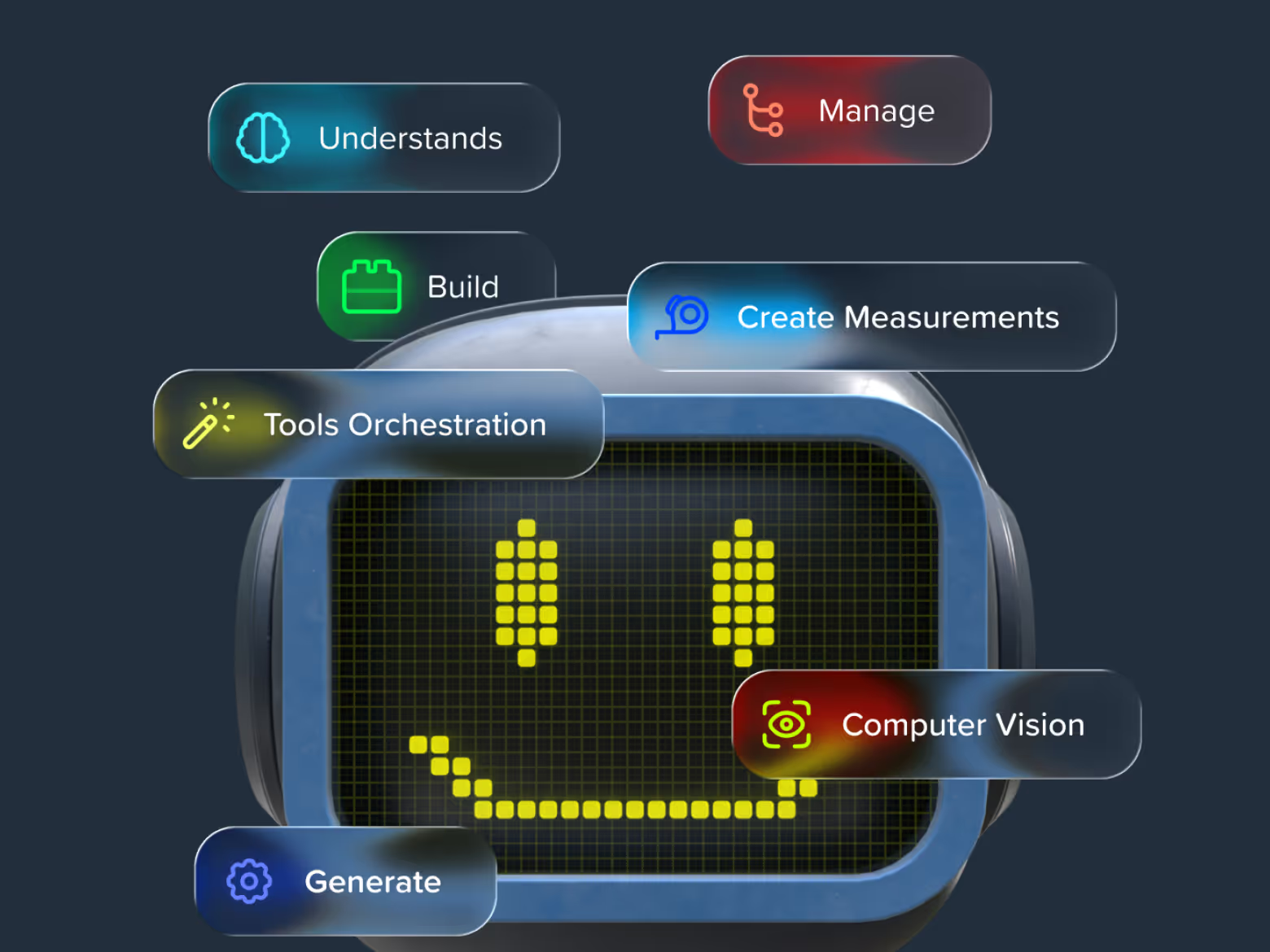
Caddie is a full-fledged autonomous agent inside Kreo — it reads your drawings, runs the measurements, and delivers exact quantities, all under your control.
Not an AI chatbot for construction — an AI operator living inside your takeoff software.

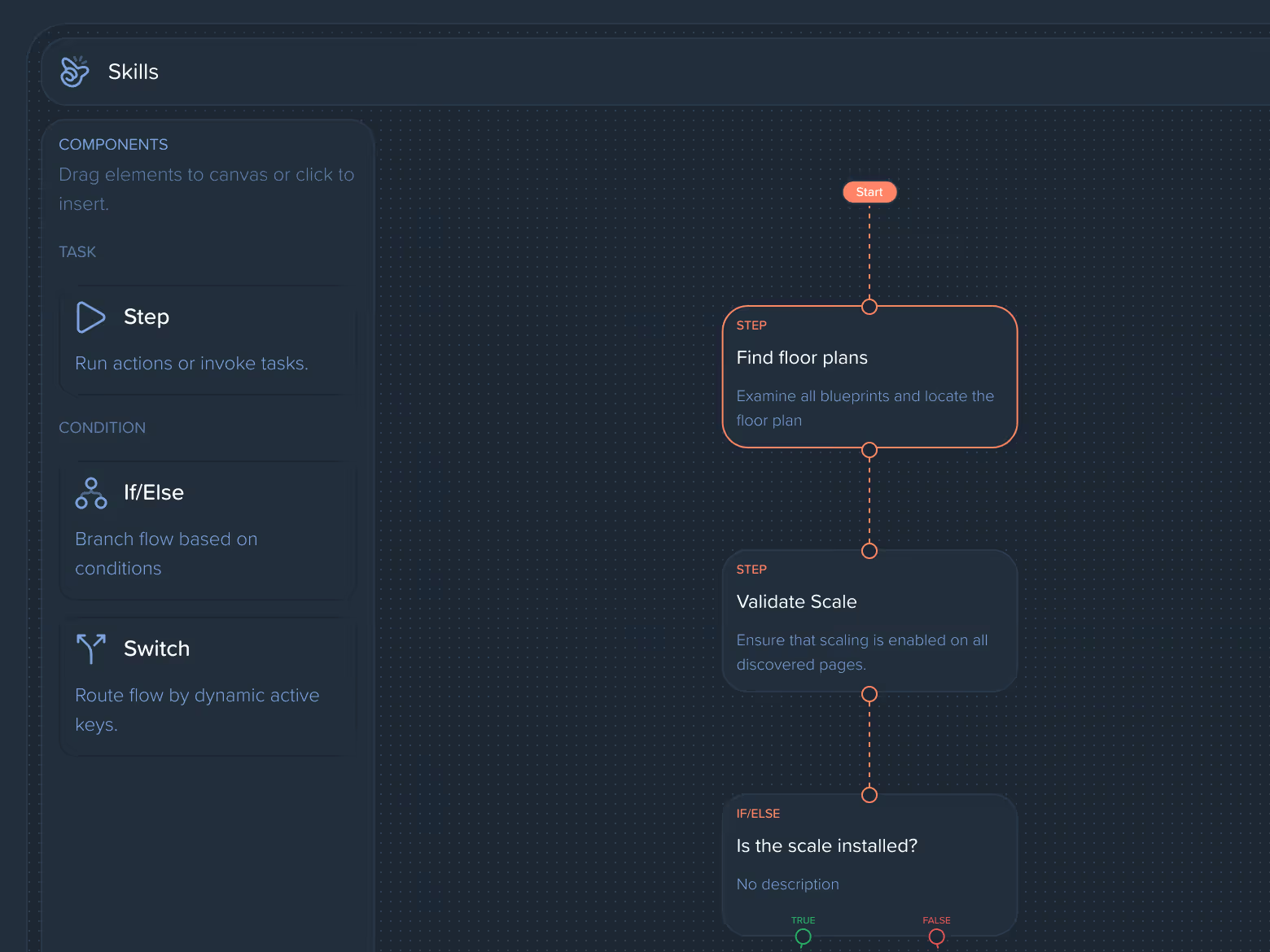
A visual designer built straight into Kreo. Compile, configure, test, and publish your own playbooks for the steps your team repeats every week — no code, no waiting on developers.

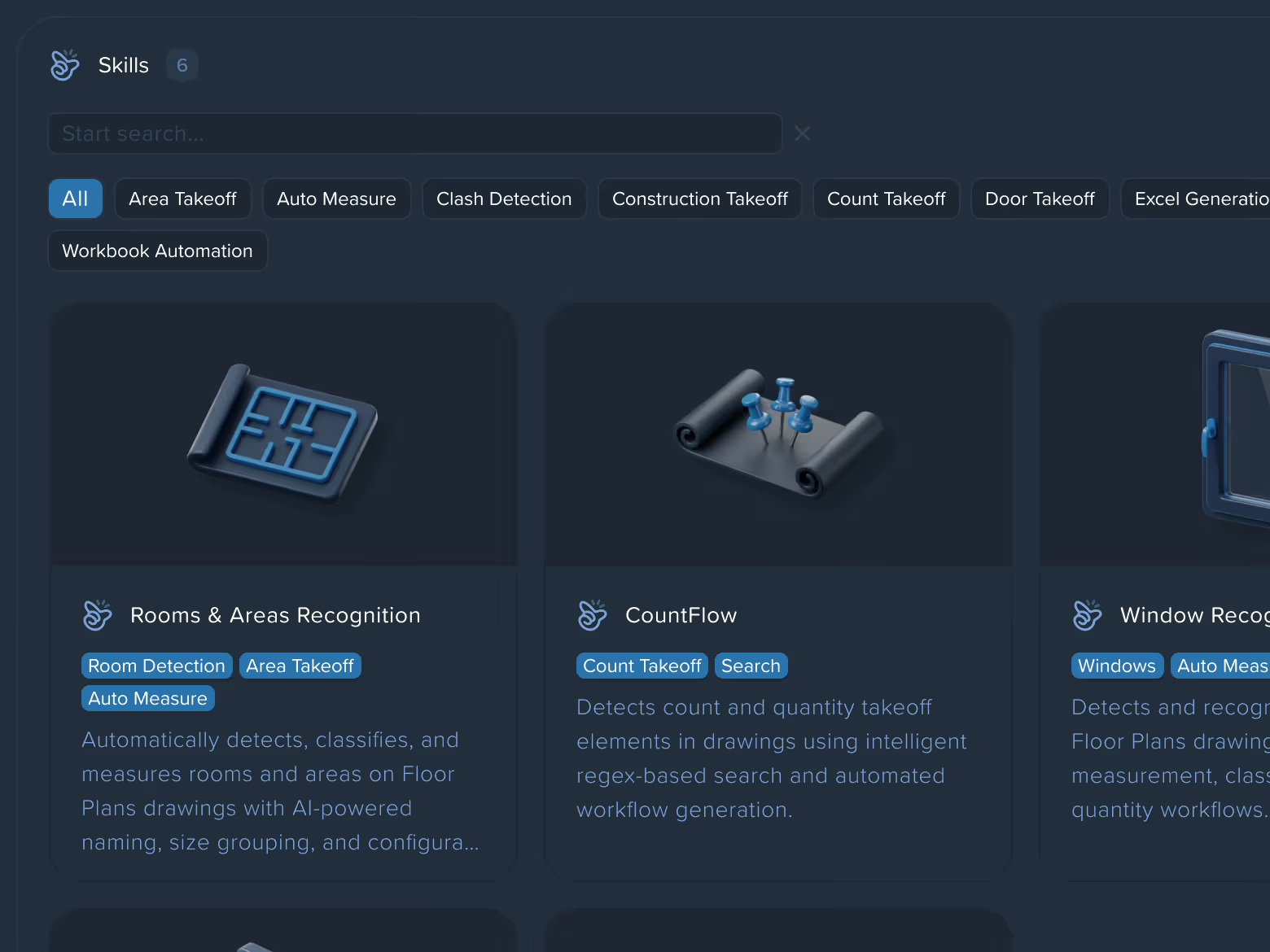
Pre-built playbooks like CountFlow and Excel Template Builder streamline repetitive tasks with a single command.
Create leader-line comments that point to specific elements on the drawing. Ideal for clarifications, design notes, and review feedback.
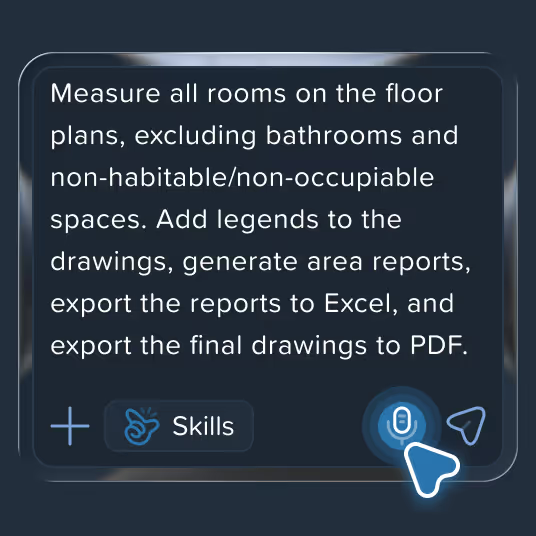
A like / dislike on every step tunes Caddie's logic. It remembers your conventions, preferences, and past project decisions across sessions.
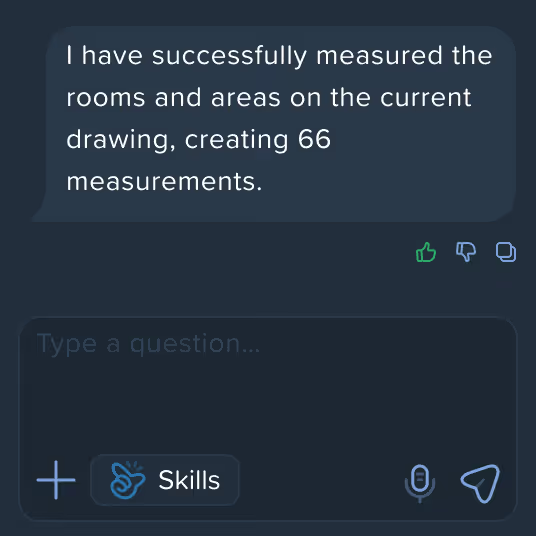
Detect any element, measure any area, count any object — AI handles the repetitive parts of takeoff so your team moves faster on every project
Auto Measure
AI-powered tool that automatically detects and measures rooms, walls, doors, windows, and custom areas on your drawings

One-click Area
Measure any area or object on a drawing instantly — just click inside it and AI does the rest

Auto Count
Point at one element — AI instantly finds and counts every matching object across all pages of your drawing

Multiple measurement categories
Covers Rooms & Areas, Doors & Windows, Wall Finishes, GIA, GEA, NIA, and Custom elements

Automatic classification
AI instantly names and groups detected elements by type and size, no manual labeling needed

Single click is all it takes to capture the exact boundaries of any room or element

Every measurement comes with a name, type, and ID automatically assigned by AI

Run Auto Count once and AI searches for matching elements across all pages of your drawing

AI distinguishes between similar elements and groups them separately for a precise final count
Caddie AI is built to work the way construction teams actually work with drawings. It understands technical plans, keeps context across sheets, and gives clear, grounded answers instead of generic AI output.

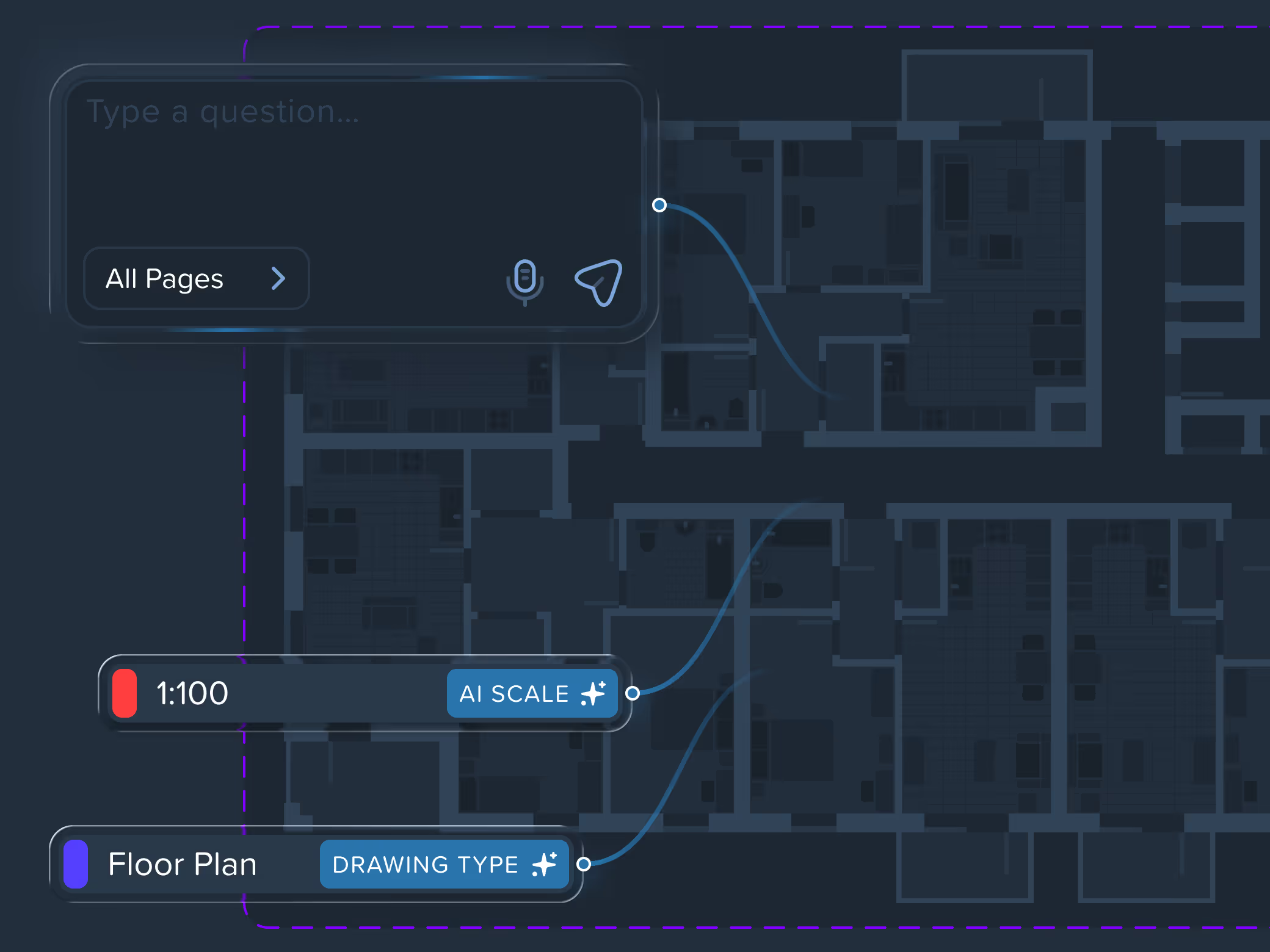
Caddie AI reads construction drawings like an engineer — understanding context, scale, and intent without manual setup

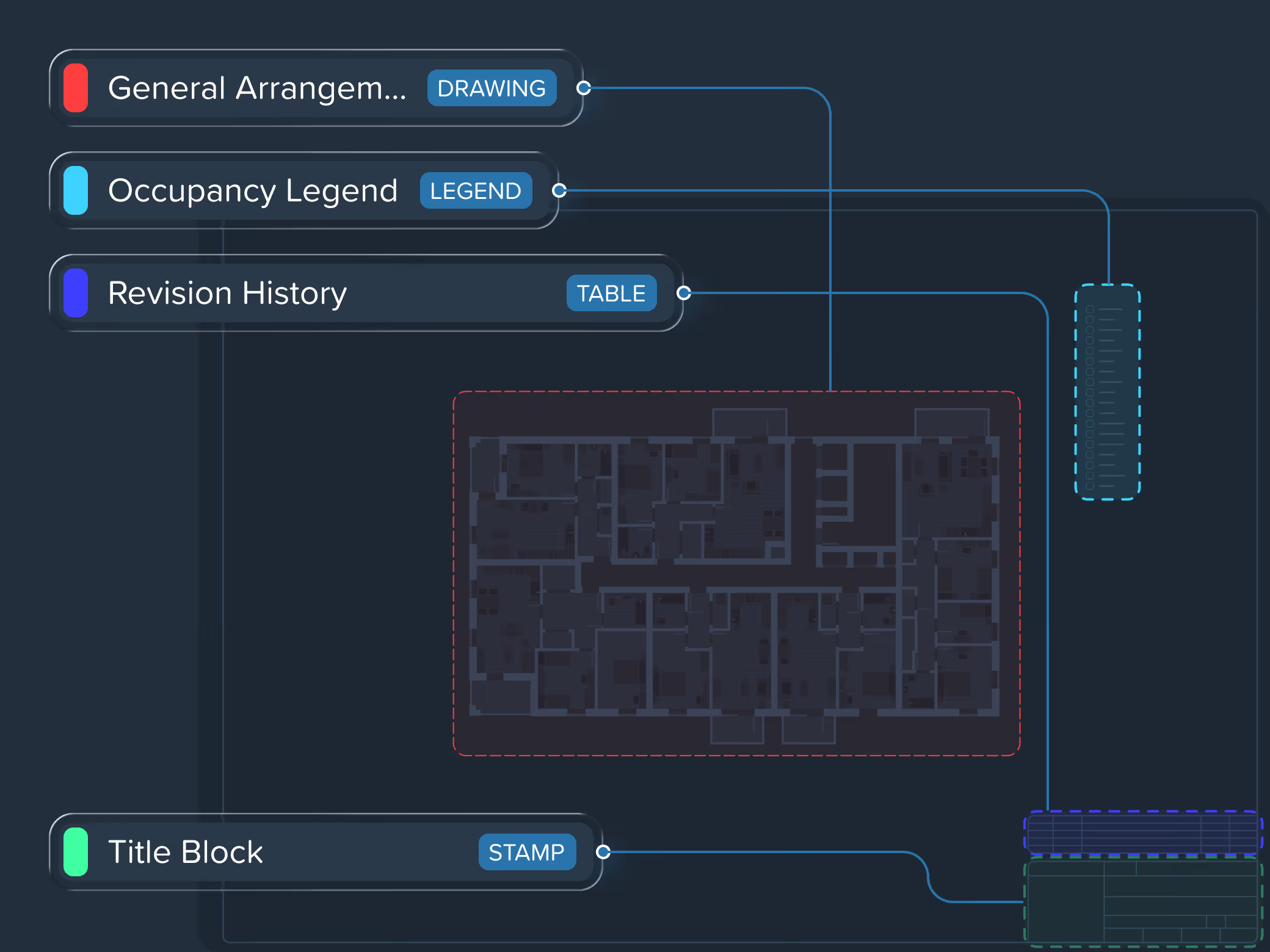
Automatically detects and separates drawing zones — main drawing area, legends, tables, title blocks, and notes — structuring the sheet for intelligent interaction

Caddie AI reads construction drawings like an engineer — understanding context, scale, and intent without manual setup
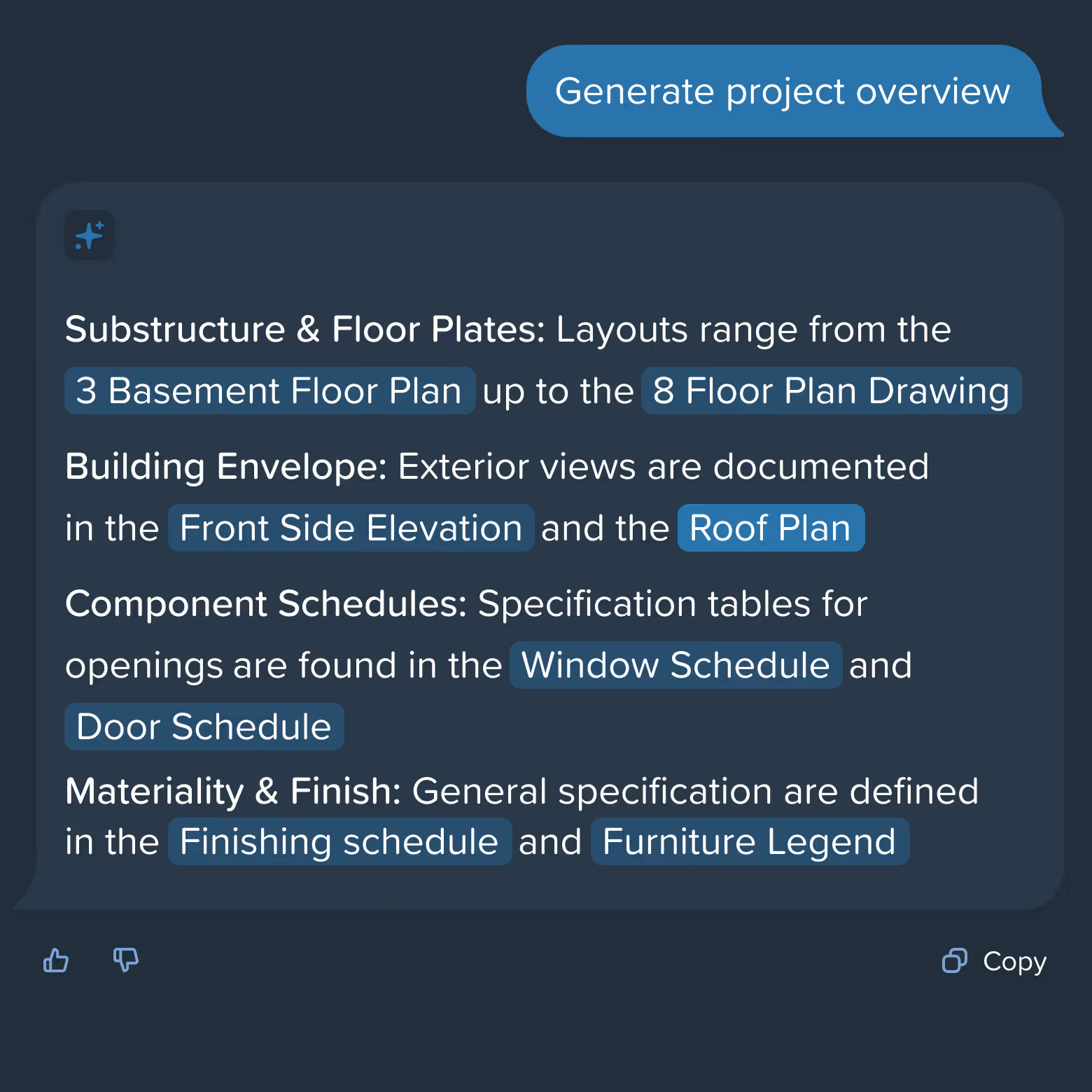

Ask questions naturally by voice and receive clear, immediate responses from your drawings.


Select any tag or element to instantly surface all related specifications, schedules, and connected data across pages.

Upload a drawing — AI analyzes plans, breaks assemblies into individual materials, and generates a structured scope automatically. Fully editable, refinable through chat.
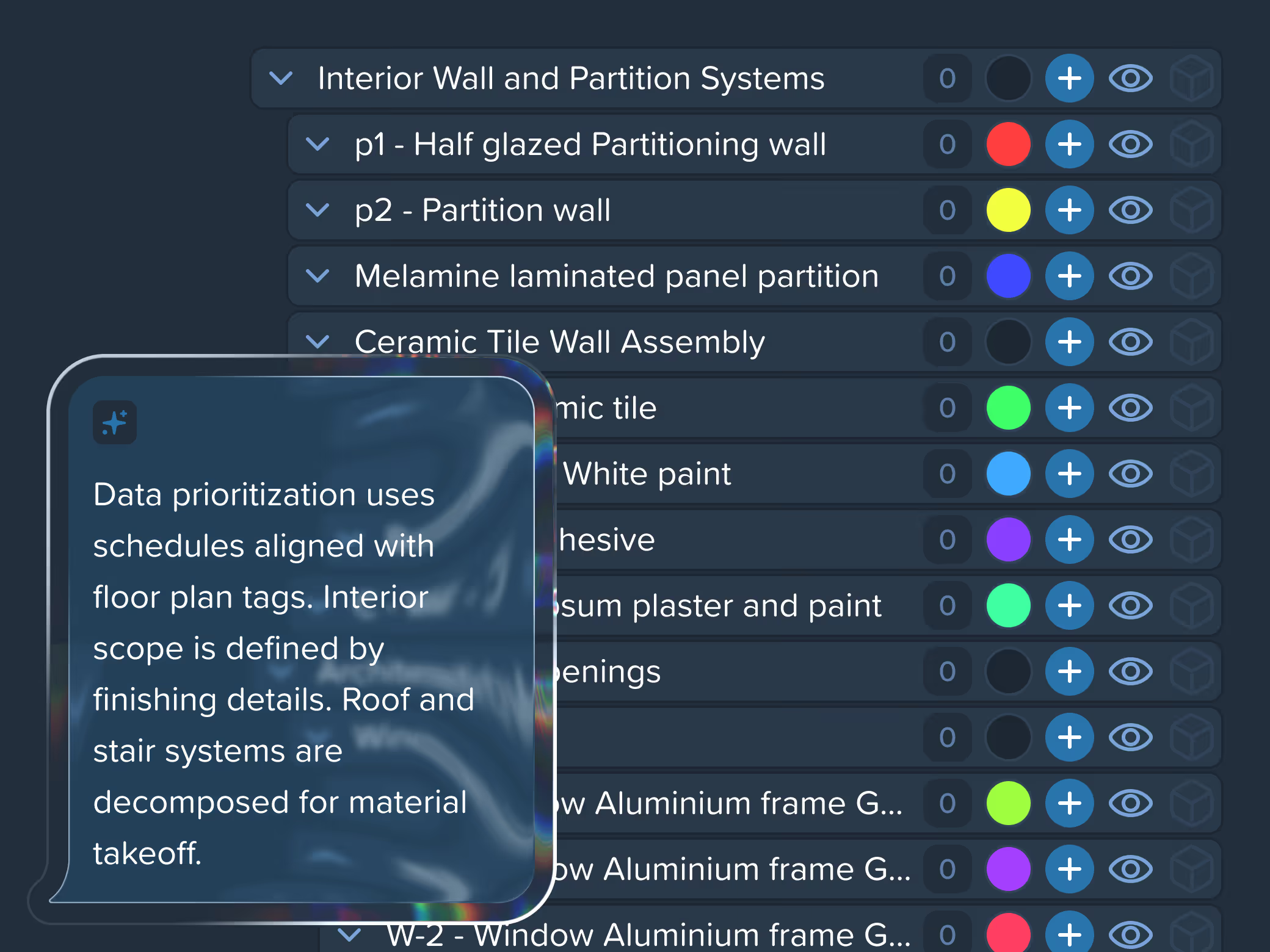
How Kreo works with drawings — fast, precise, and measurable
Kreo is built around real construction drawings and real geometry. Every interaction — from zooming to exporting — is designed to remove friction from takeoff workflows and help teams move faster with confidence.

View takeoff results in 3D to better understand spatial relationships and validate complex layouts before moving forward.
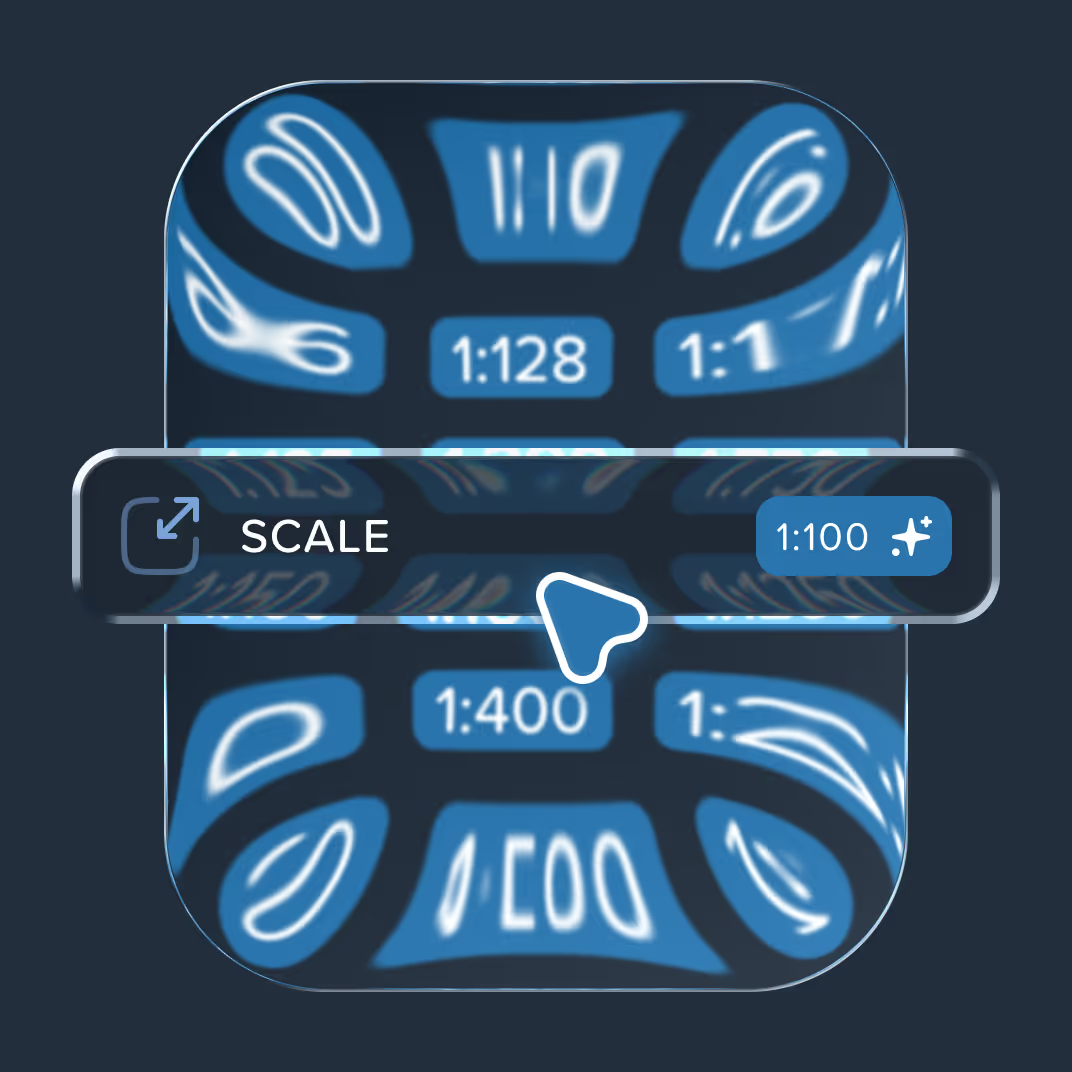
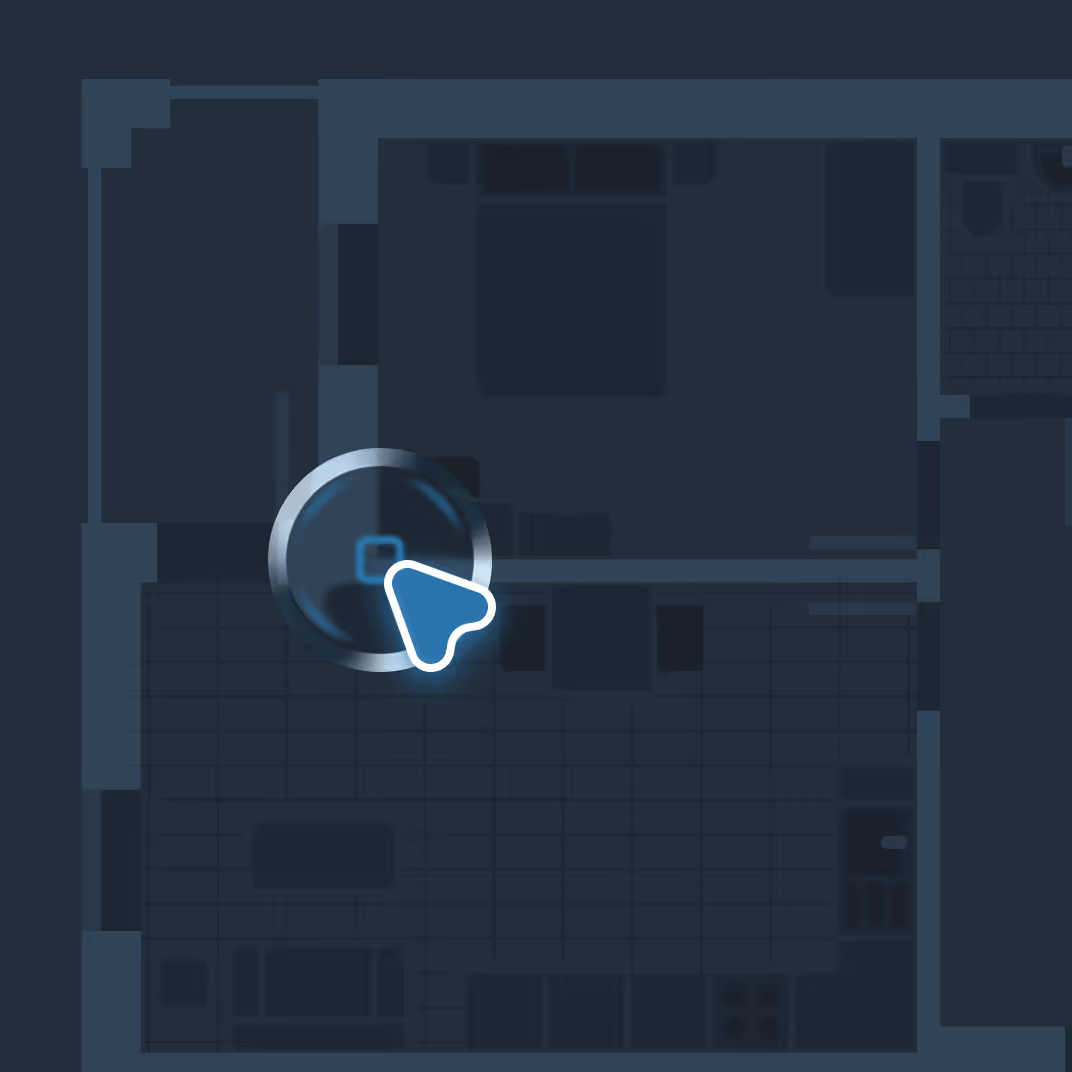

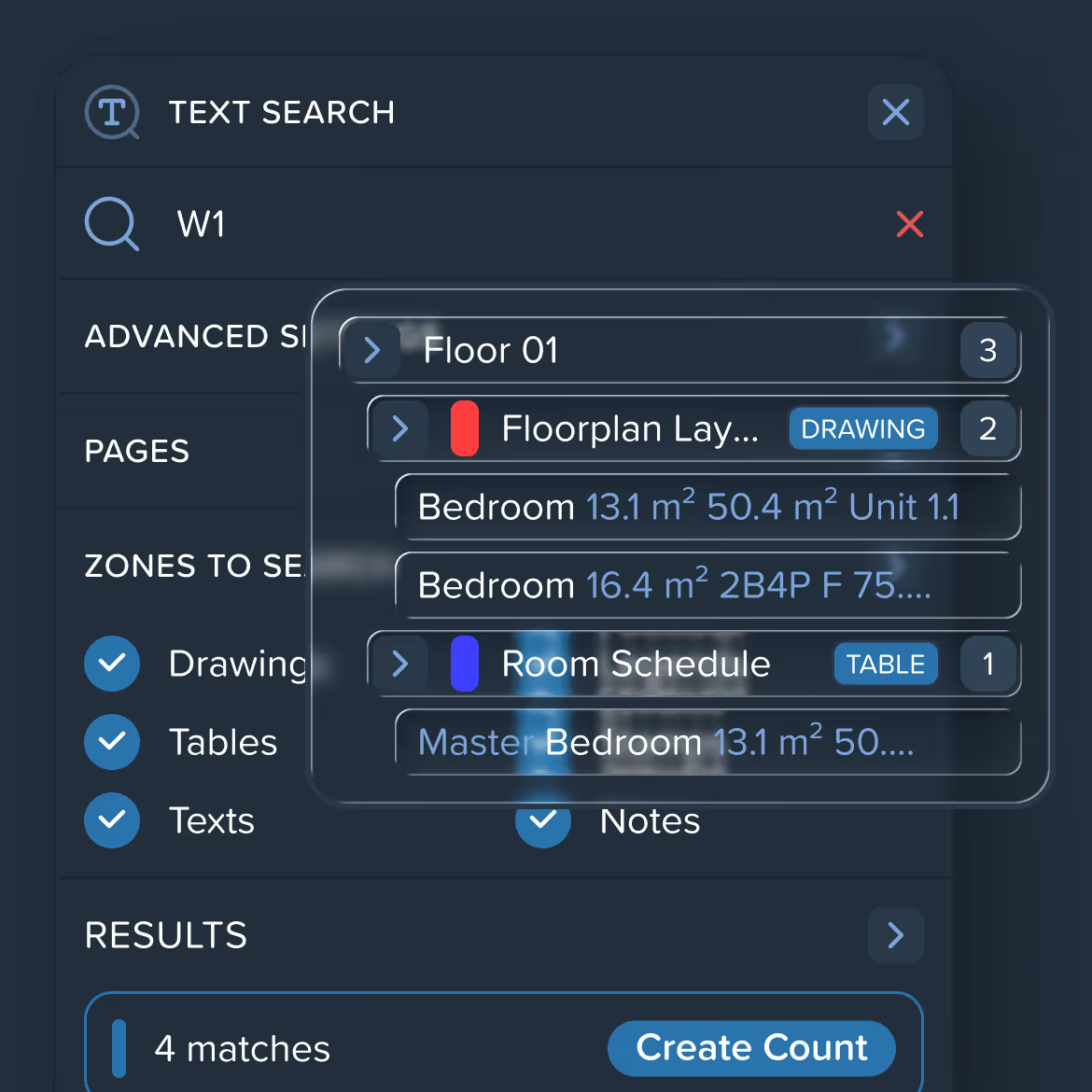
Search text across drawings with flexible options: case sensitivity, whole words, regular expressions, and page-level scope control.
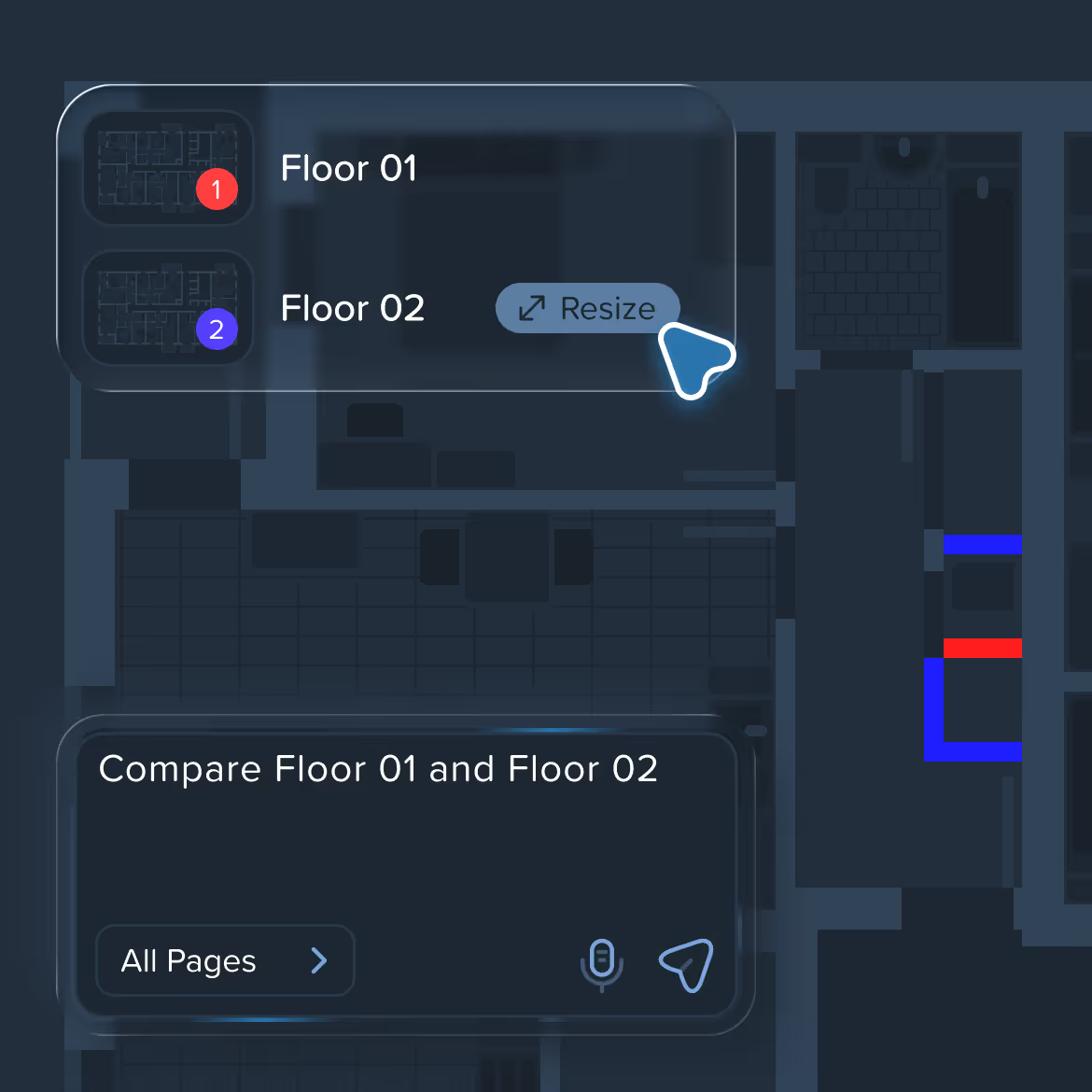
Compare different versions of drawings and instantly see what changed. Added, removed, and modified elements are clearly highlighted to eliminate manual checks

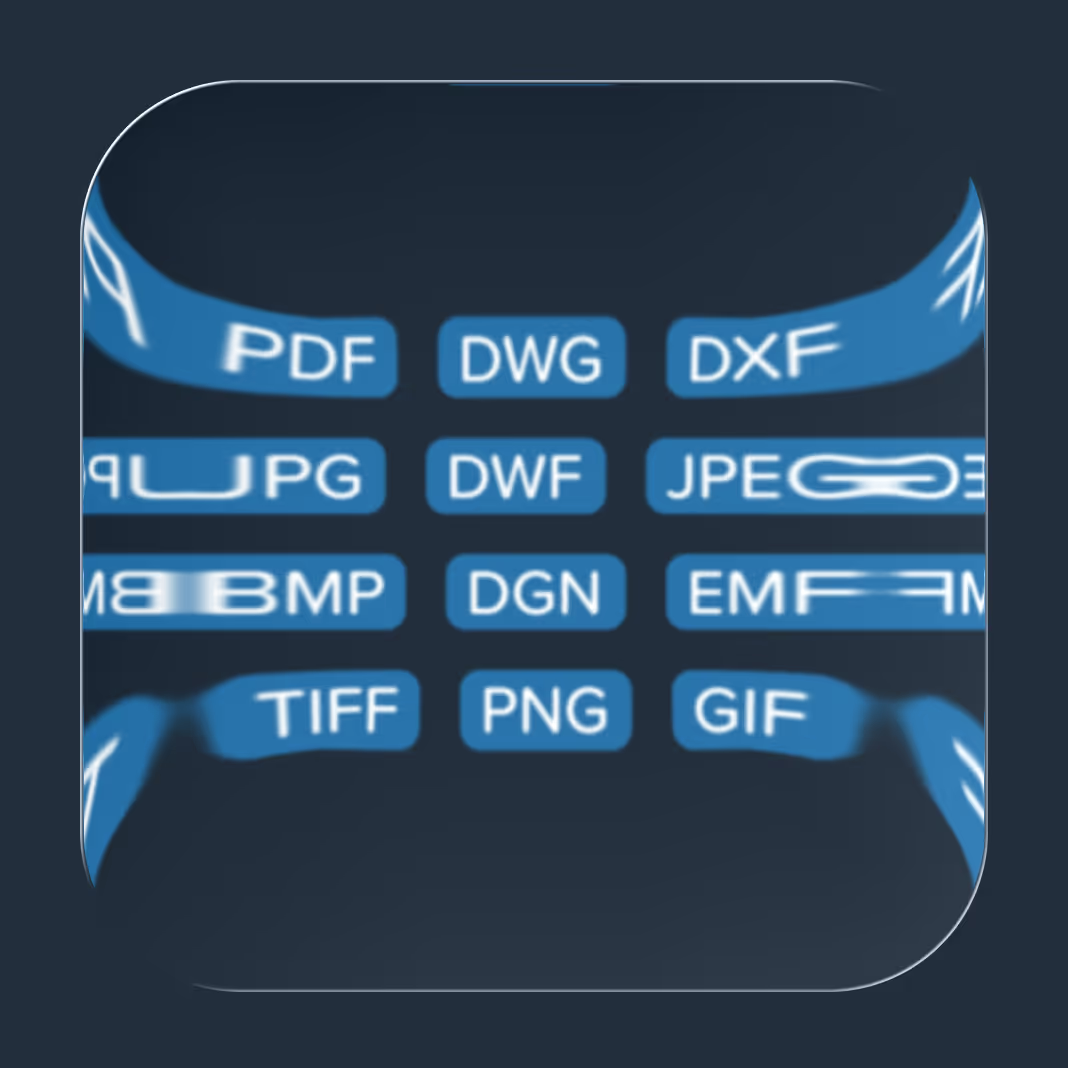
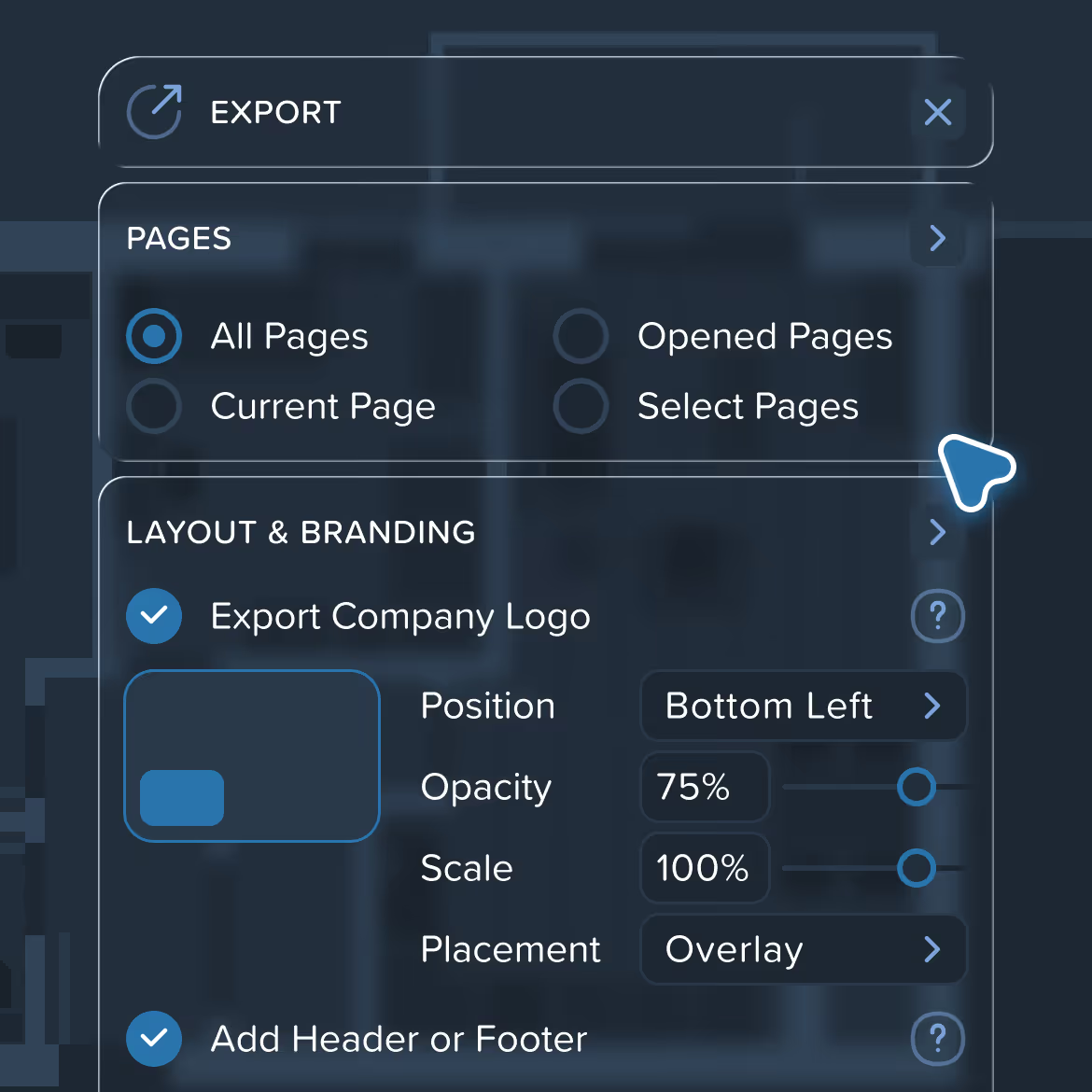
Export drawings with measurements, legends, dimensions, comments, and visual styles preserved. What you see in Kreo is exactly what appears in the exported PDF
Markups and communication designed for real coordination
Collaboration in Kreo supports review and alignment without getting in the way of takeoff. Comments and annotations stay tied to the drawing and its context.

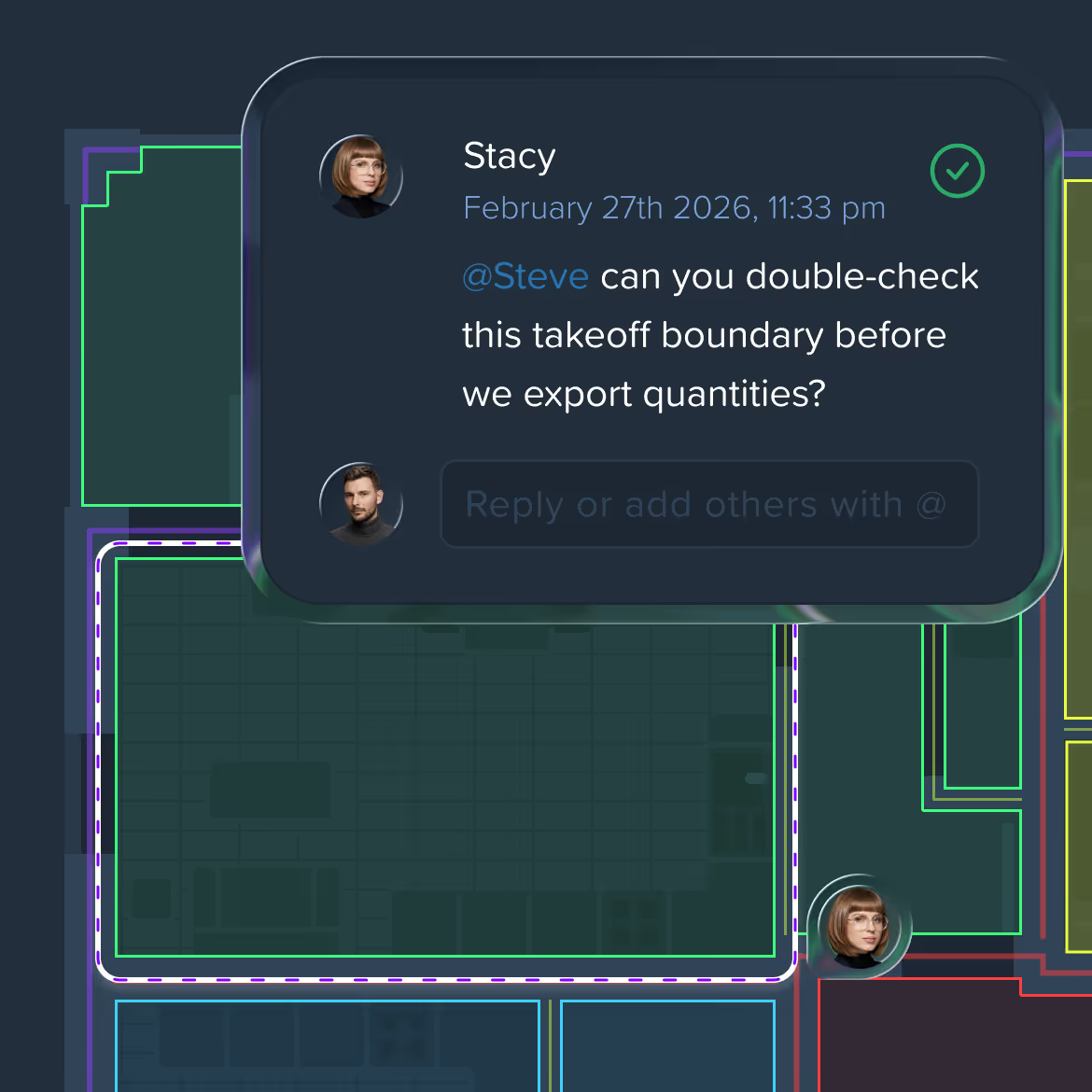
Add comments directly on drawings, linked to exact locations so teammates immediately understand the context.

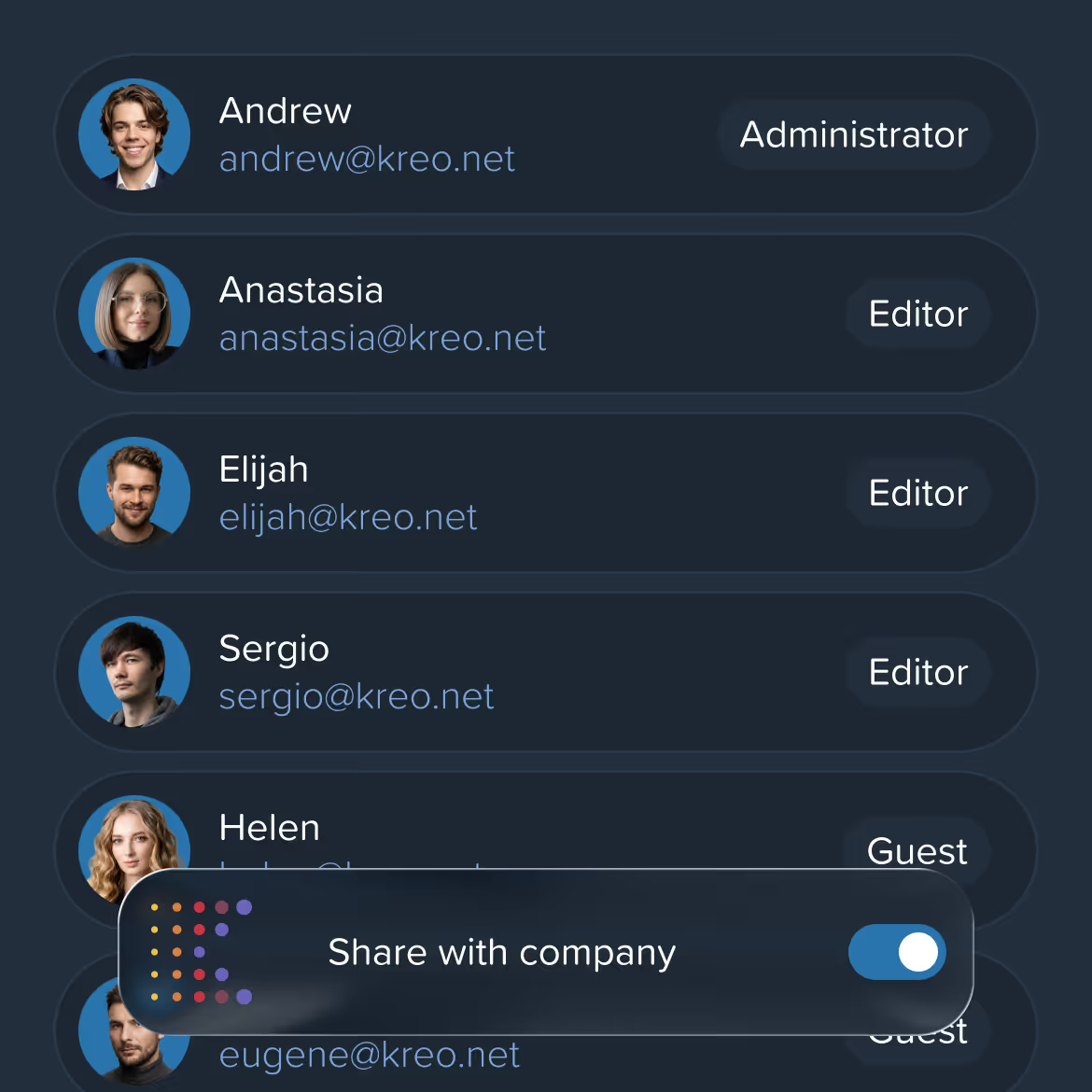
Manage users, roles, and permissions at the company level. Control who can view, edit, comment, or administer projects to keep collaboration structured and secure.

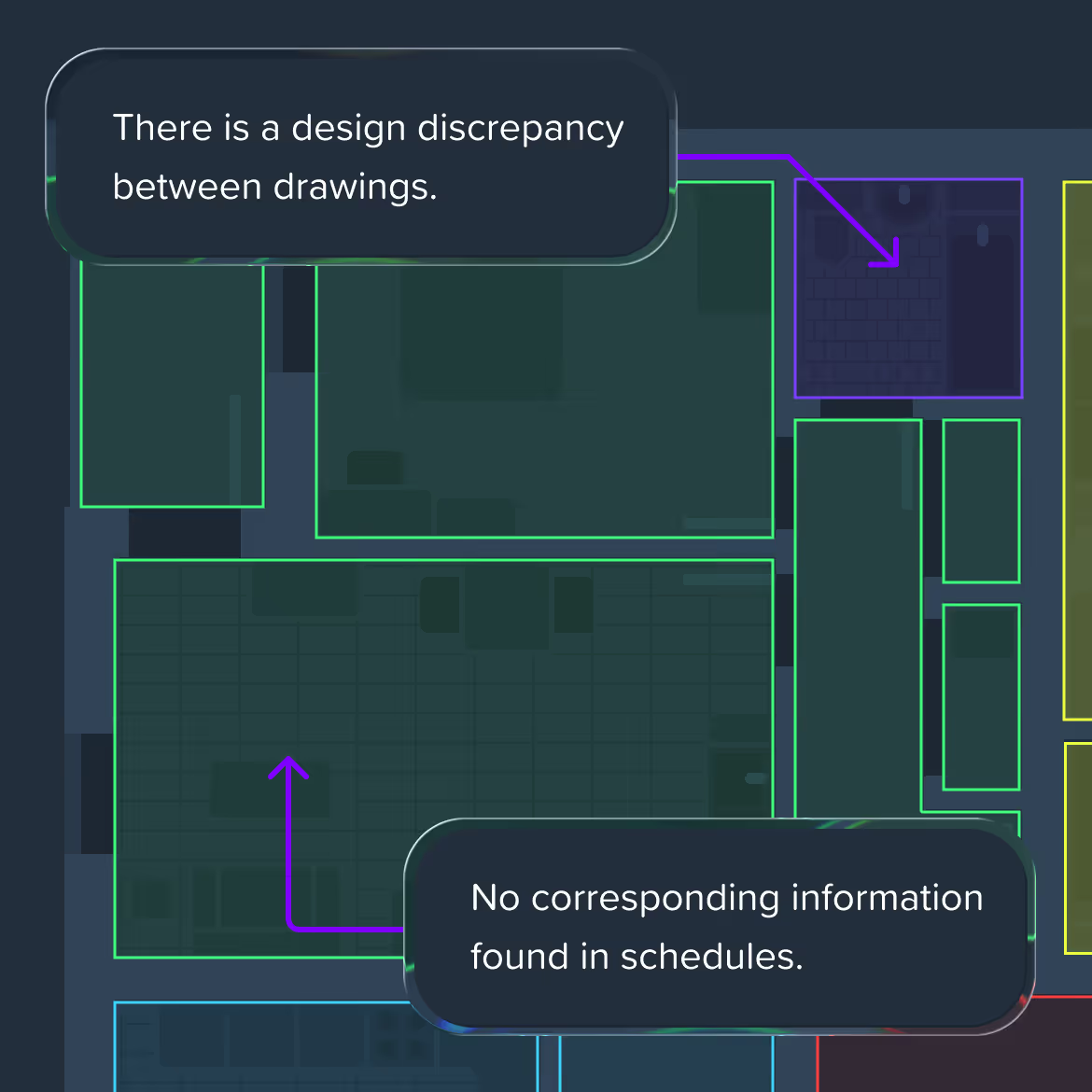
Create leader-line comments that point to specific elements on the drawing. Ideal for clarifications, design notes, and review feedback.

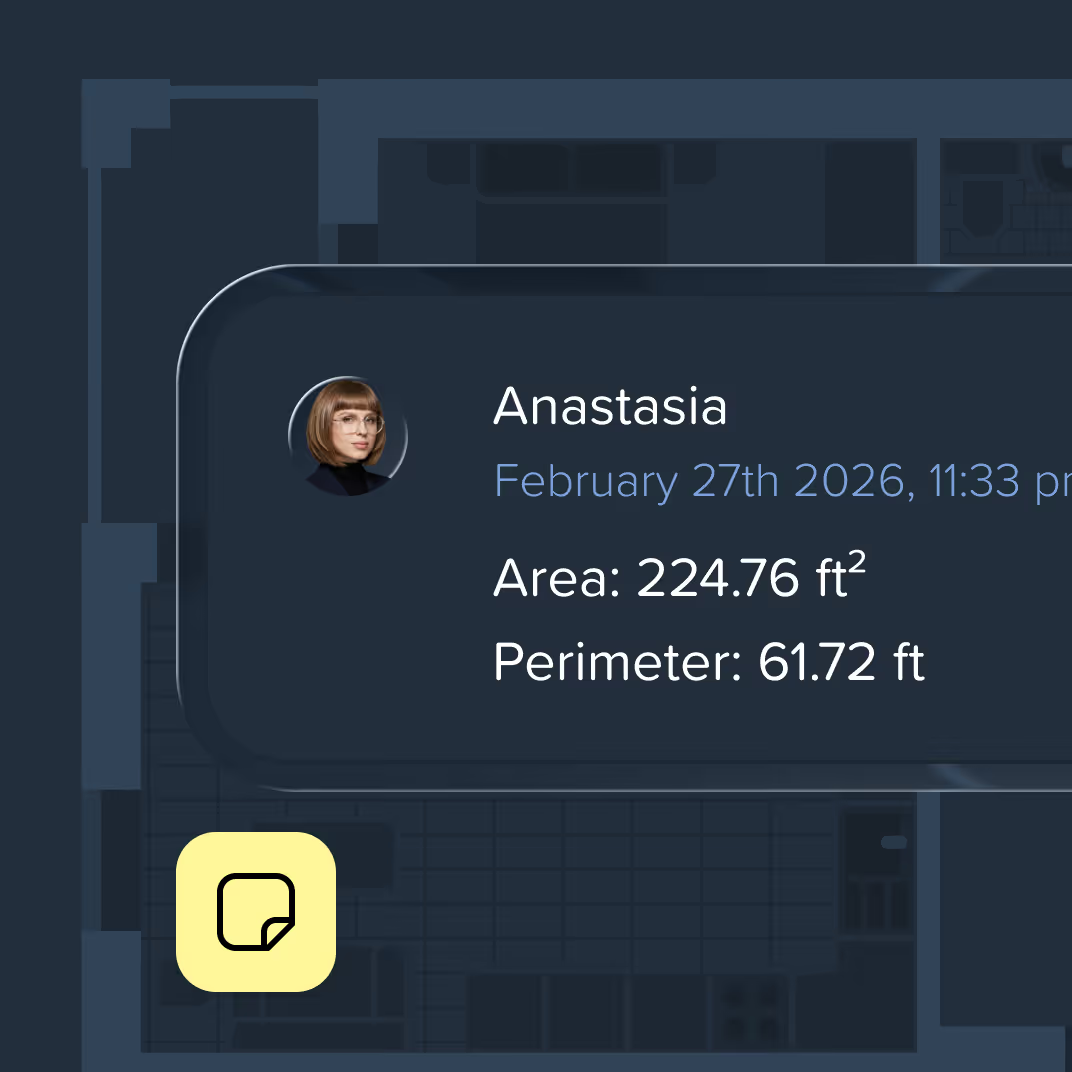
Lightweight visual notes for reminders, questions, and quick flags during coordination.

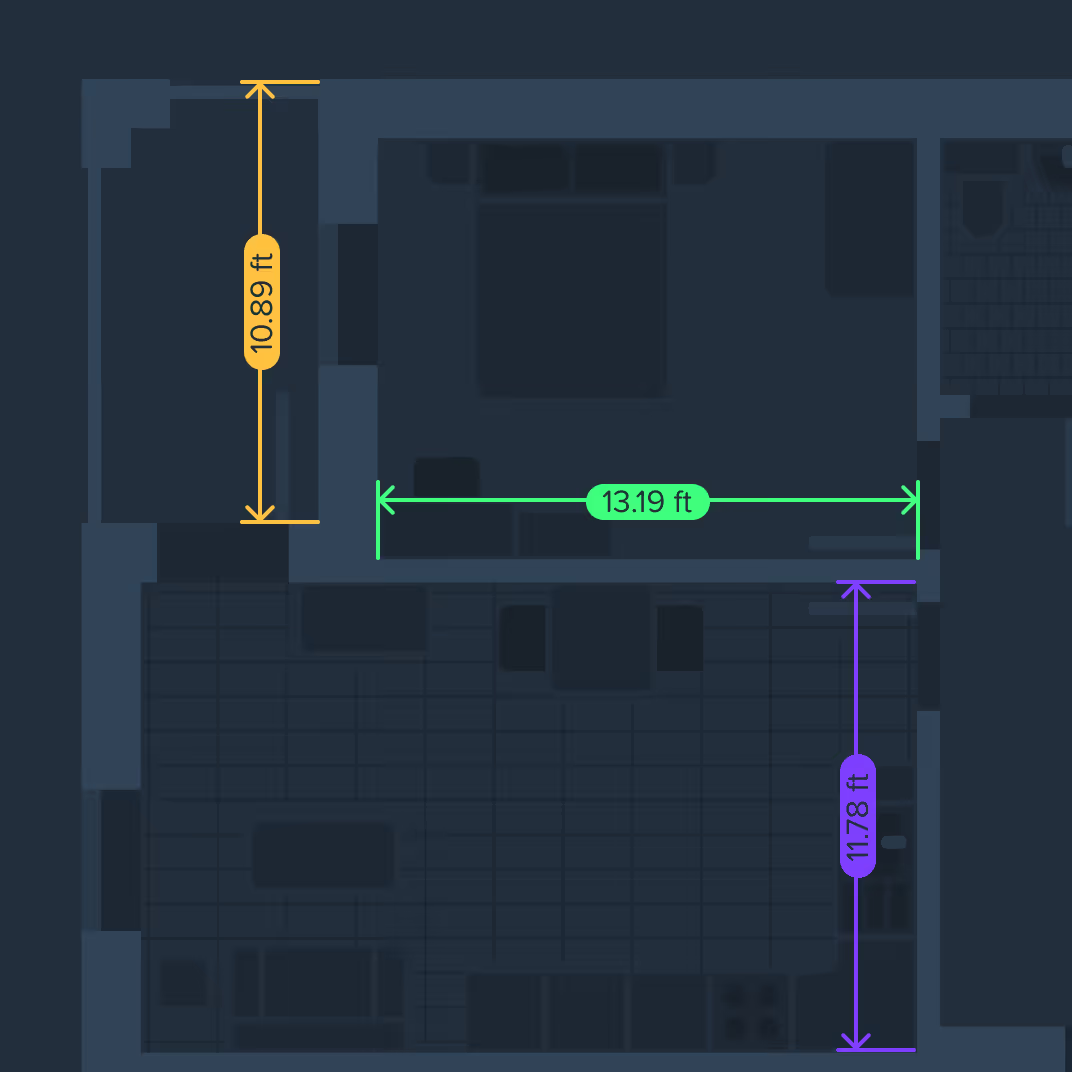
Add clear dimension lines to highlight critical distances and validate assumptions during review
Reports in Kreo turn live takeoff data into clear, structured, decision-ready documents. They stay connected to drawings, measurements, and assemblies — so reports evolve automatically as the project changes.

A dynamic view of all your project data. Measurements, items, and assemblies stay in sync as you work. Group, pivot, and restructure instantly for real-time cost control.
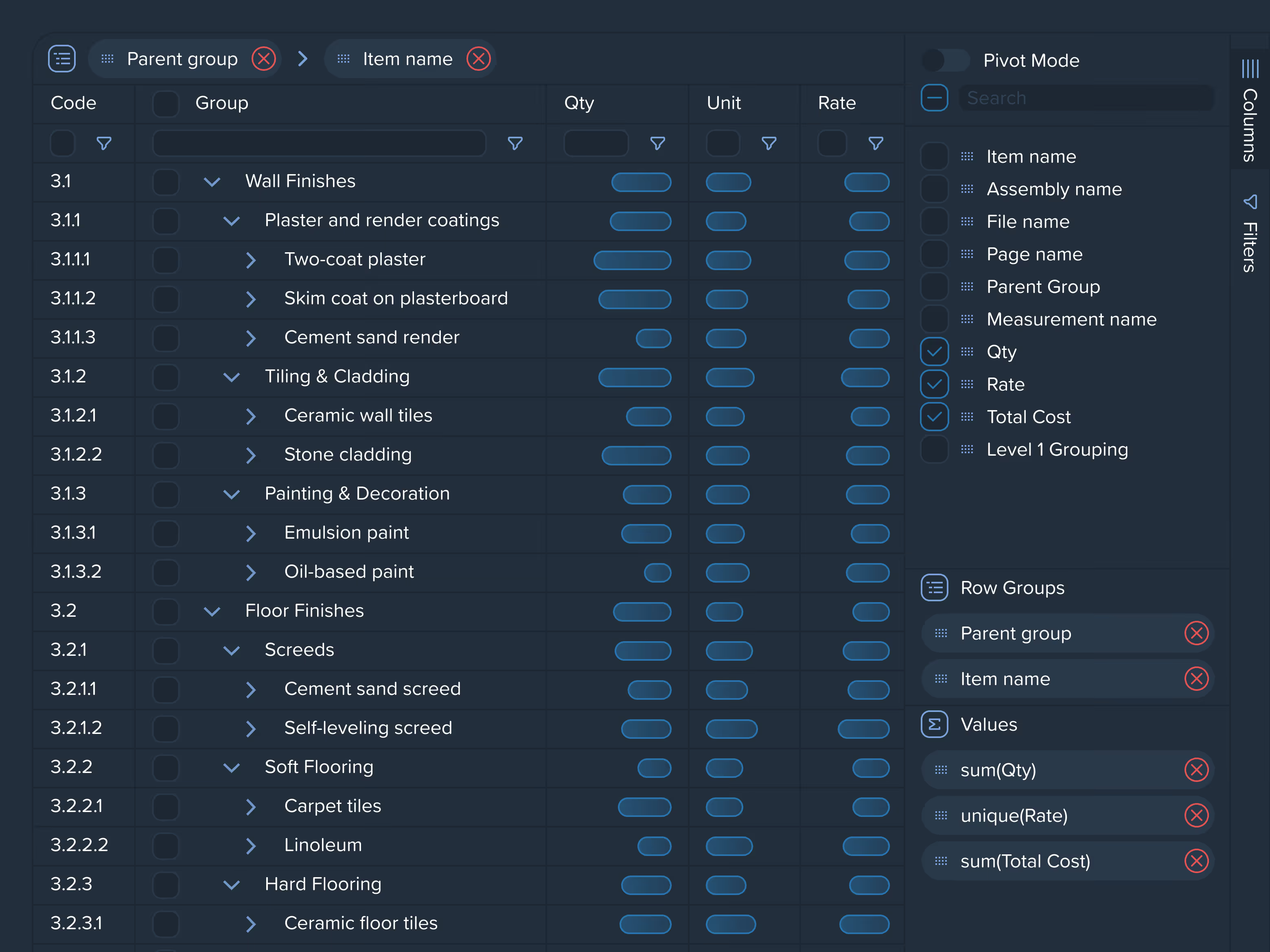
Ask to group by floor or trade. Request summaries or totals. Modify structure without manual setup

Bi-directional Links
Edit on the drawing or in the report — both stay in sync
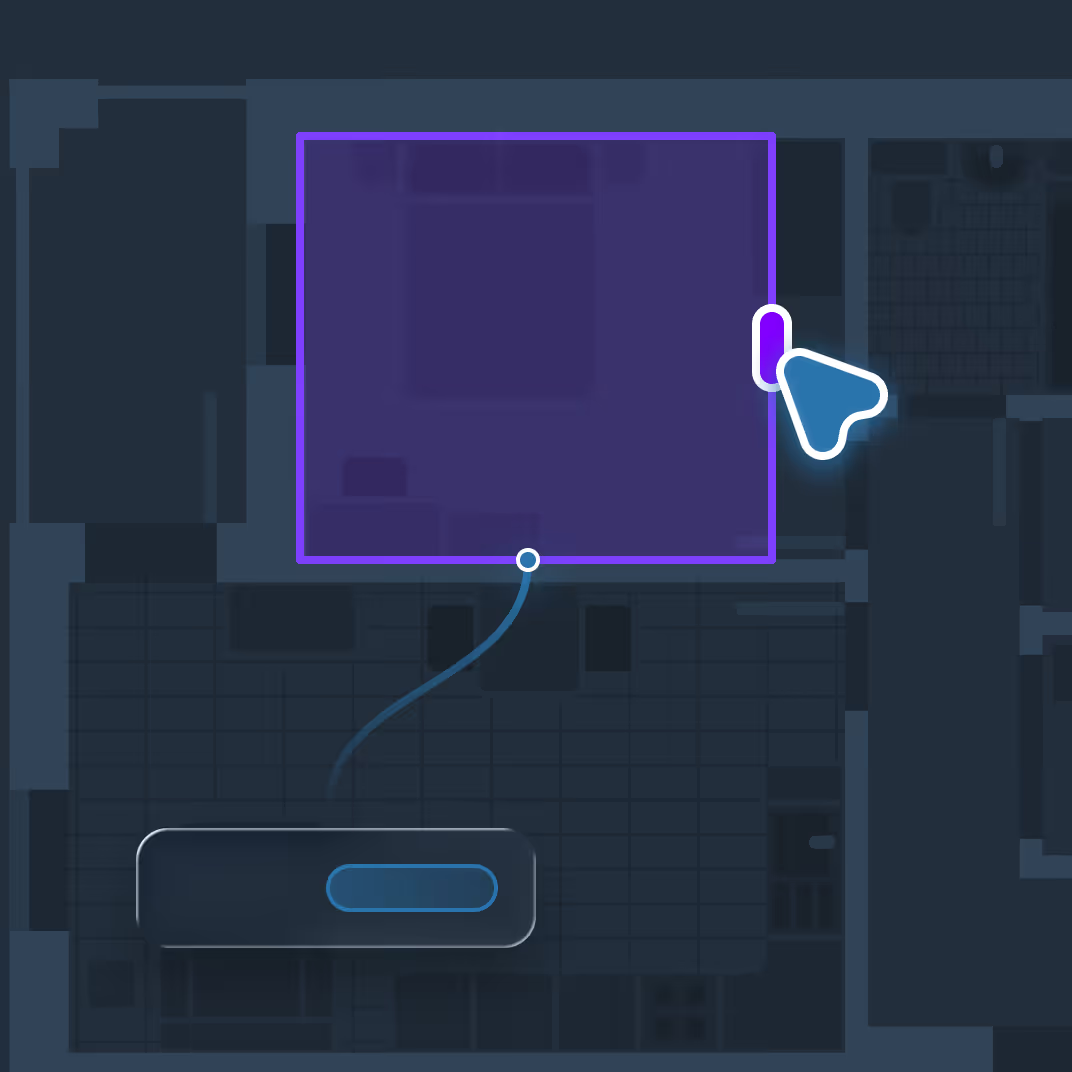

Full manual control over rows, columns, and layout

Build reports like you would in Excel, but with a live connection to your project data. Every drawing change updates automatically.
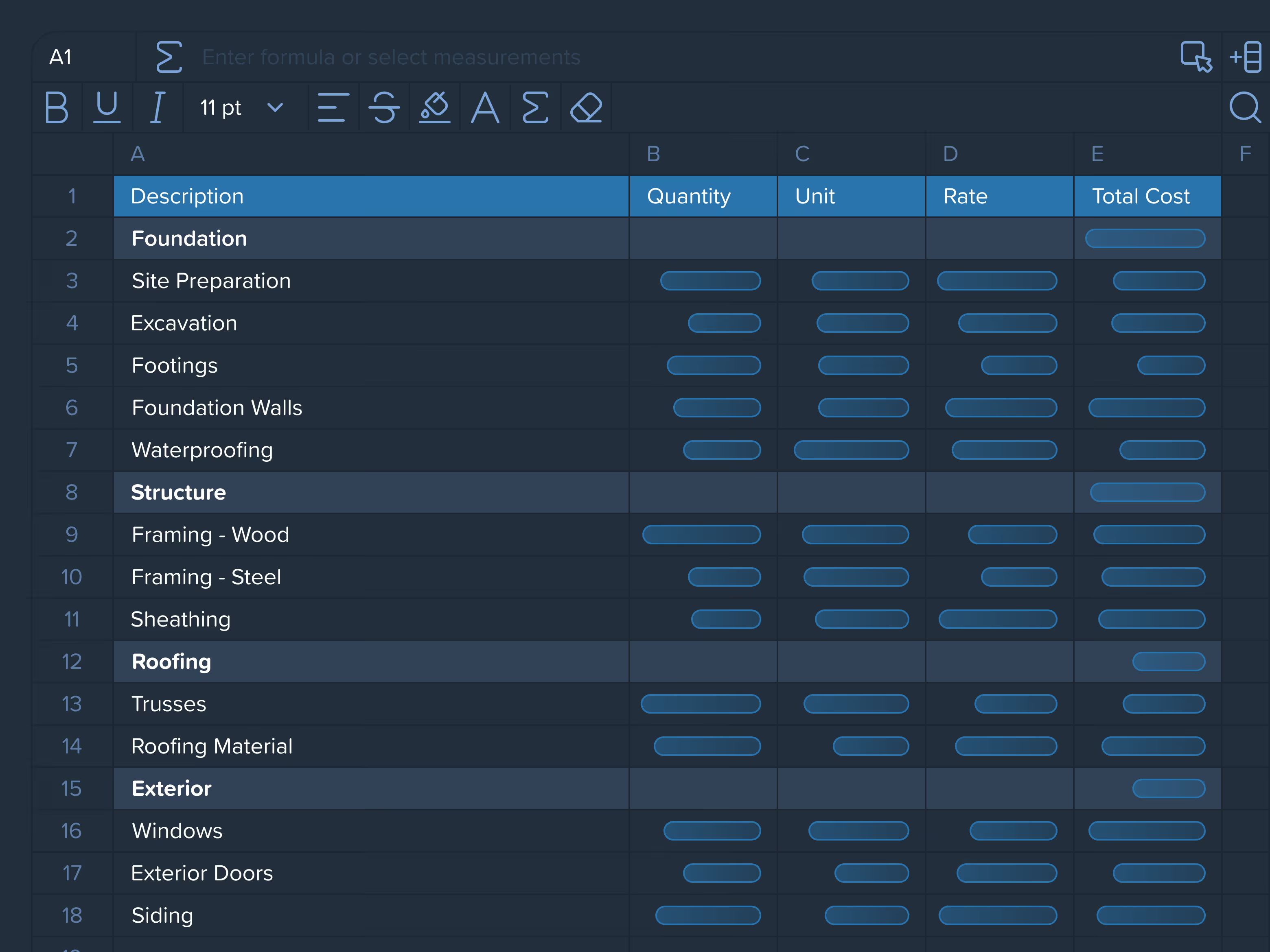

Custom formulas linked to live measurements

Export and import reports in Excel or CSV — keep your workflow seamless.

Save your report setup once. Reuse across projects instantly.
A no-code, structure-free Items & Assemblies database. Build your own logic, reuse it across projects, and automatically turn takeoff measurements into actual project costs.
Create your database from scratch without predefined schemas. Define items, assemblies, formulas, and relationships exactly the way your estimating process works.or structured, controlled report building — similar to Excel, but fully connected to your project data.
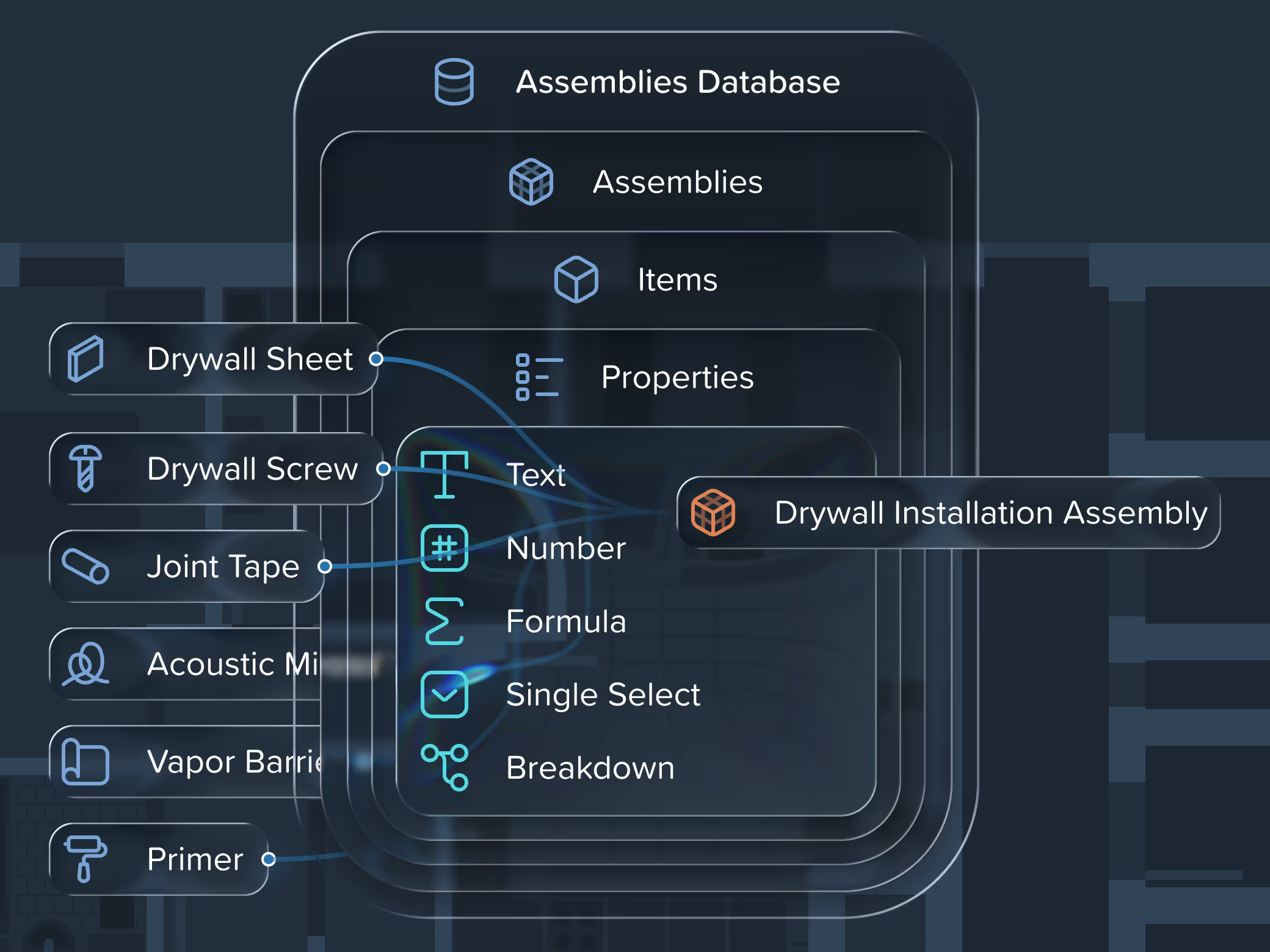

Embedded rules automatically convert takeoff measurements into materials, labor, and equipment costs — consistently, accurately, and without manual recalculation.
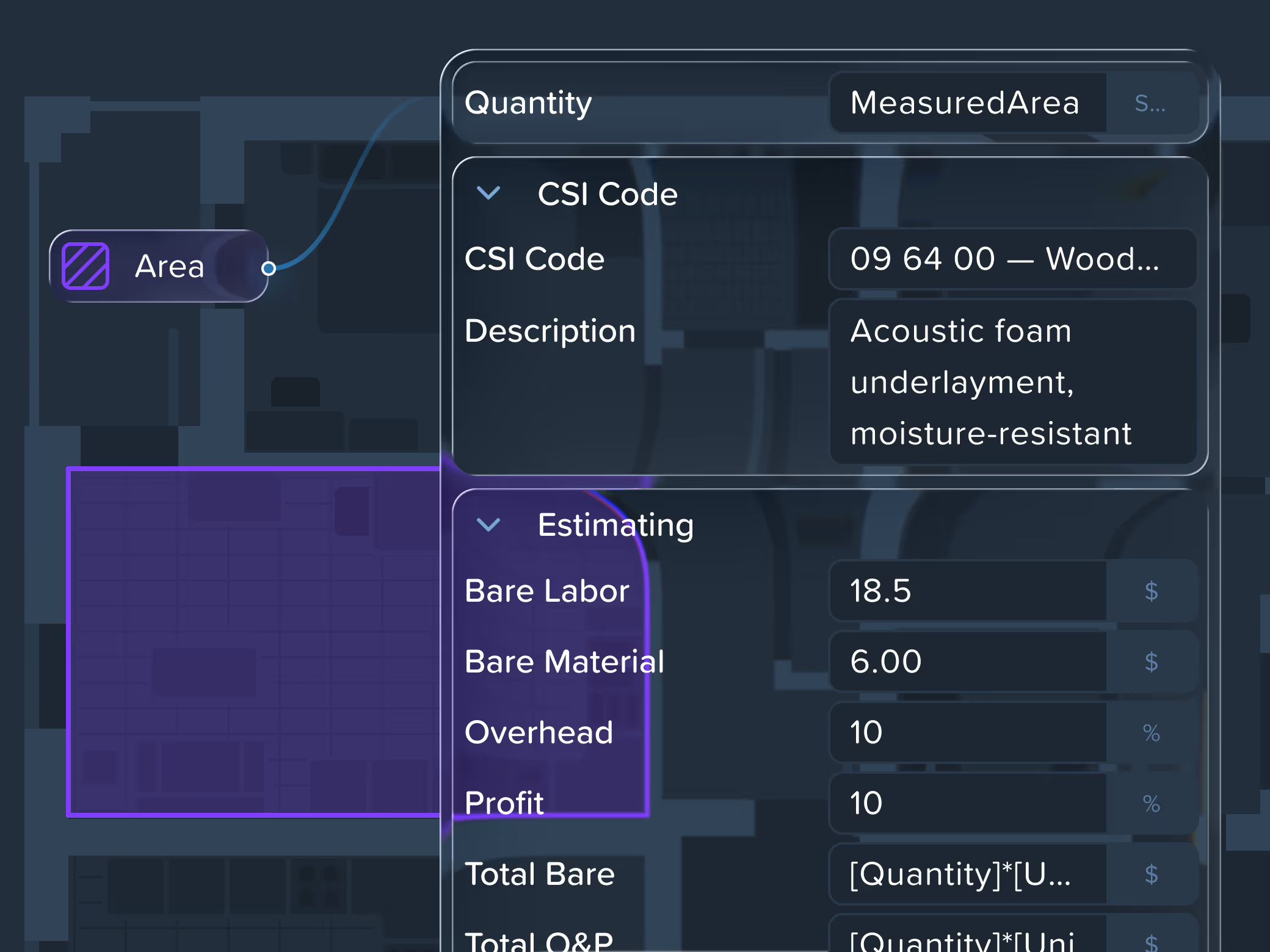

One item, infinite configurations. Switch material, size, or finish right in the panel — the correct rate applies automatically. No catalog bloat, no pricing errors.
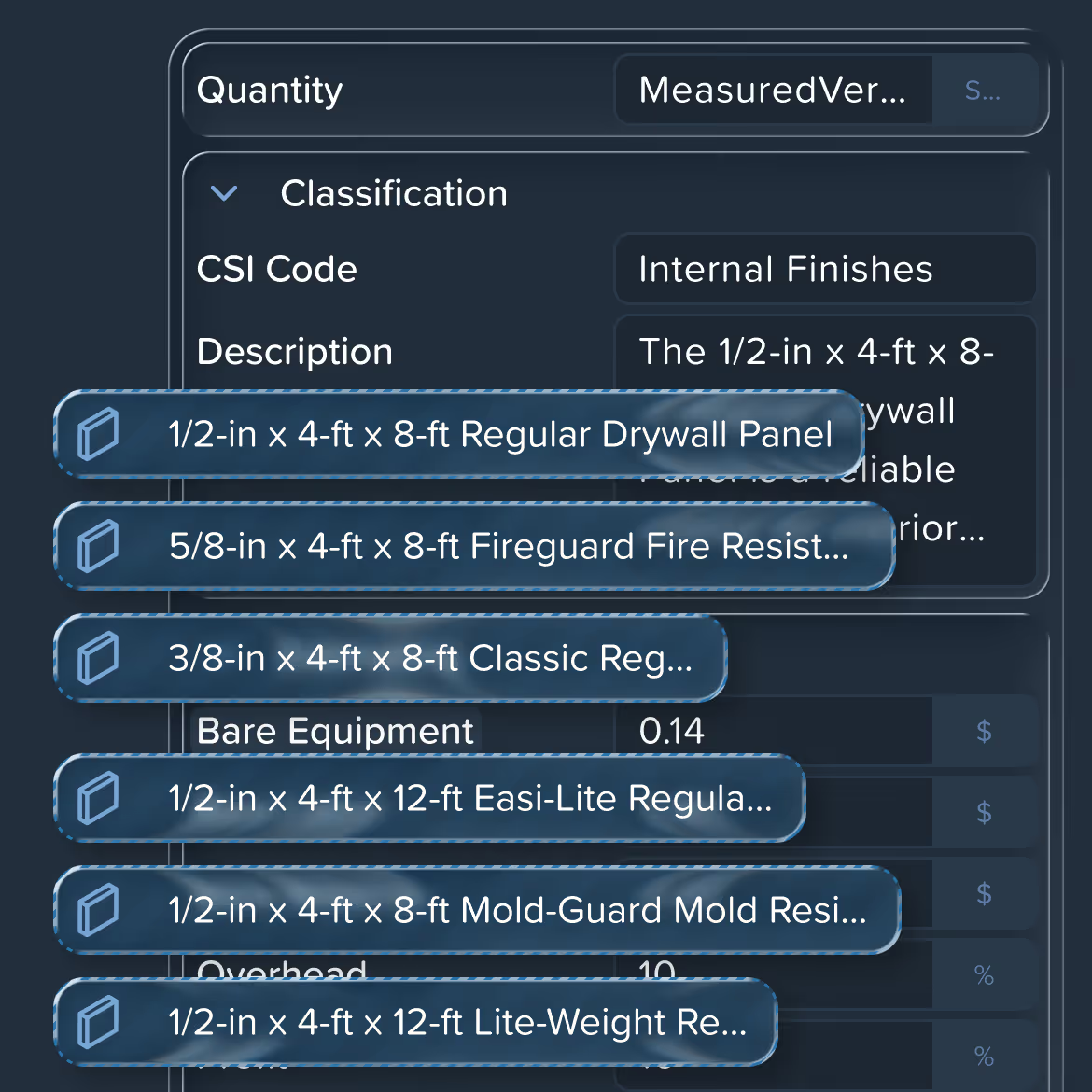

Update prices, formulas, or assemblies once and apply changes instantly across all projects. Multiple team members can work in the same database simultaneously.
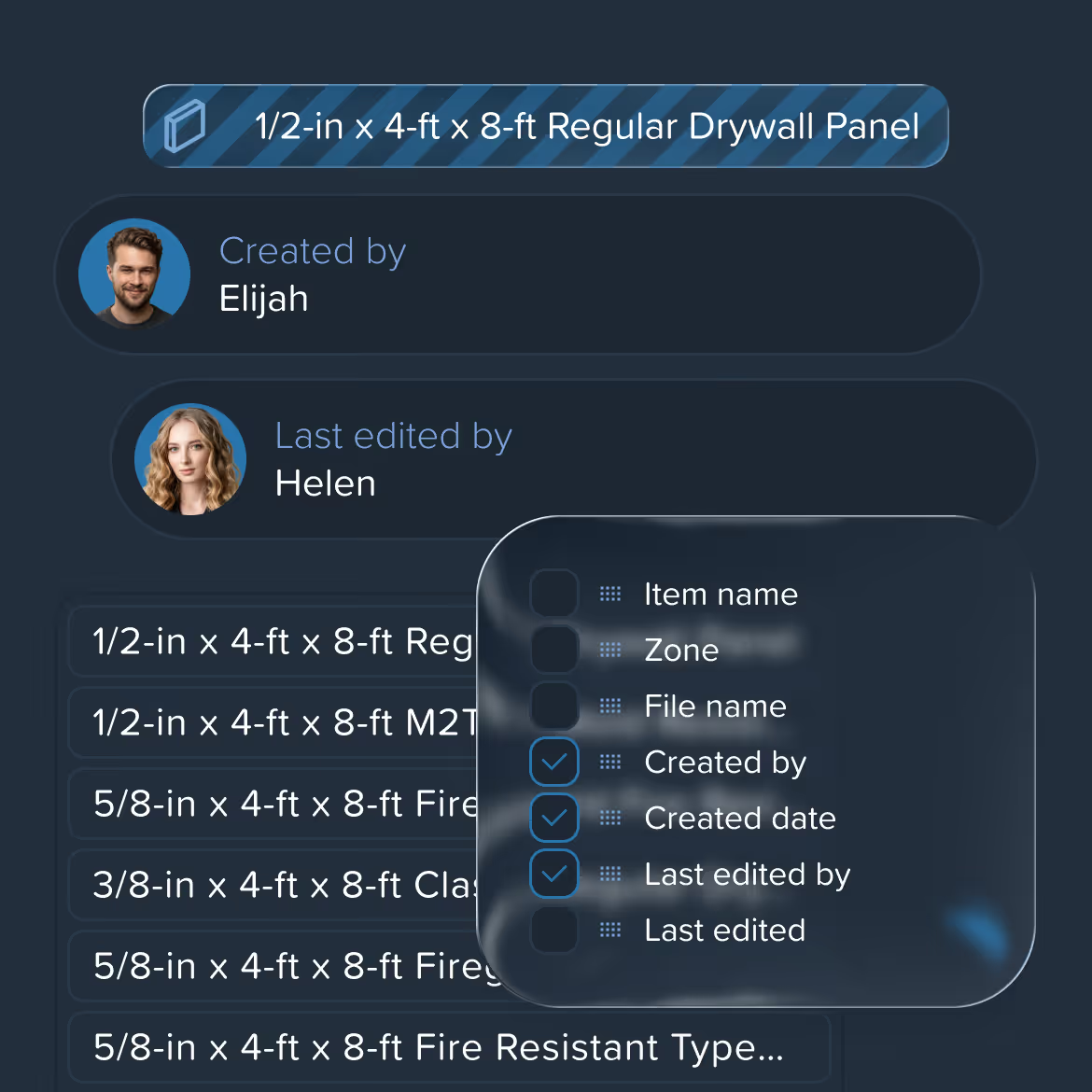

Generate items and assemblies from a project, your previous estimates, or a simple prompt. Turn past projects into a reusable database that learns and improves over time.
Coming Soon
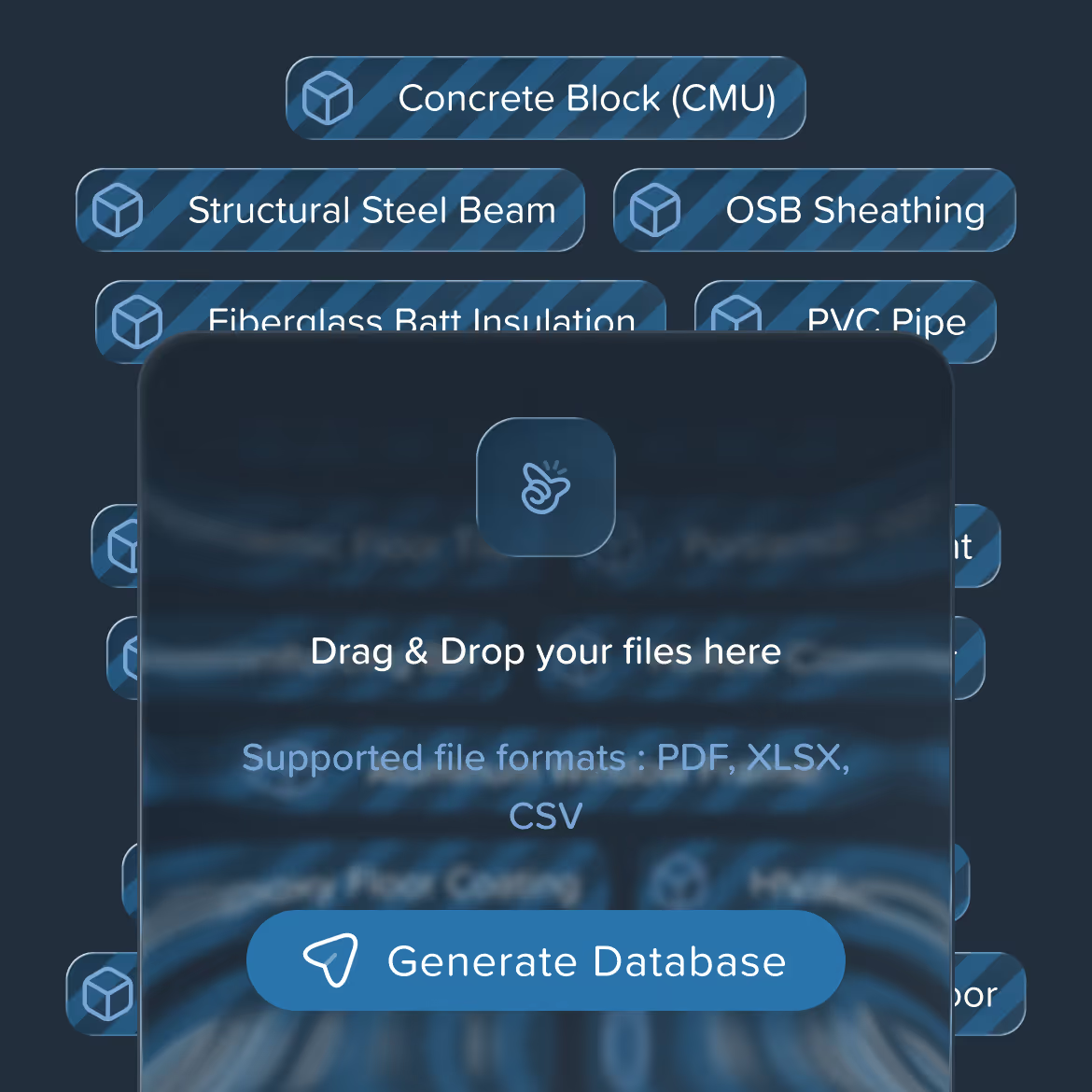
Upload a drawing, let AI do the takeoff, get your estimate
Upload any PDF, CAD, or image file — AI sets the scale and organizes your drawings automatically
Let AI detect, measure, and count every element — or take full manual control when needed
Export results as reports, BoQs, or cost estimates in any format that suits your workflow
One tool for your entire team. Start free, scale when you're ready
See why quantity surveyors, cost estimators, and contractors choose Kreo to win more bids and save more time



G2


Capterra

Kreo has allowed us to save significant time on measurement tasks, enabling us to be more competitive with our fees.


Hansie du Bruyn

Using Kreo has improved both the speed and consistency of our take-offs. Its cloud-based setup means our team can work efficiently from any location, without the server and VPN delays we experienced previously.


It’s not just about new software – it’s about redefining how data, people, and technology work together in cost consultancy

Kieran Murray

Using Kreo Software has enabled us to streamline internal processes and enhance efficiency

Peter Thorpe

We’ve been able to increase our productivity while significantly decreasing our estimation turnaround times thanks to the AI Takeoff feature

Alan Slone

It has increase the number of projects we can bid and smoothed our communication in our estimation phase

Wagner Dos santos

Kreo has given our team the smart tools it needs to quickly assess projects and provide the answers our Clients need

Patrick Stainton

This has allowed our businesses to become much more productive as a result

Ronnie Mulock

With Kreo, we’ve cut the time spent on quantification by over 50%, which has enabled us to step back and focus on how we use these data insights for maximum impact

Rob Littlewood



.png)